

Why install Semaphore with Web.Casa?
No manual Docker Compose needed. Web.Casa configures and starts everything.
Caddy auto-provisions SSL certificates. Reverse proxy works out of the box.
Monitoring, backups, updates, logs — manage all apps from one panel.
How to Install
Install Web.Casa first, then one-click install this app from the App Store.
Semaphore UI (formerly Ansible Semaphore)
Semaphore is a modern UI for Ansible, Terraform/OpenTofu, Bash and Pulumi. It lets you easily run Ansible playbooks, get notifications about fails, control access to deployment system.
If your project has grown and deploying from the terminal is no longer for you then Semaphore UI is what you need.
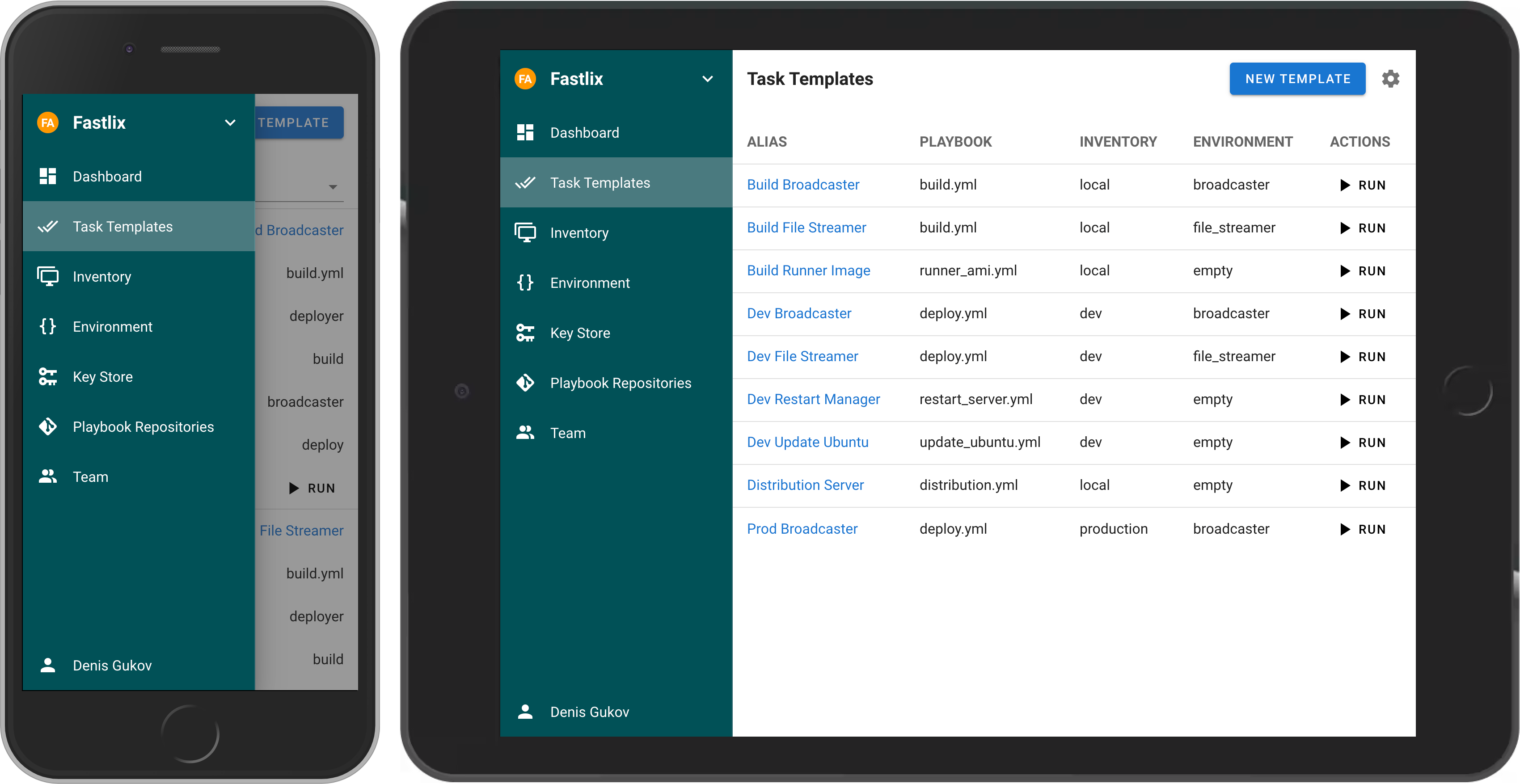
Note 📝: If you want to use a path for repository in semaphore you can add your own repo in
runtipi/app-data/semaphore/data/repositoriesand in semaphore use/repositories/myrepo
FAQ
Can I install Semaphore on Web.Casa?
Yes, Semaphore is available in the Web.Casa App Store. You can install it with one click from the Web.Casa panel — no need to manually write Docker Compose files or configure reverse proxies.
How do I install Semaphore on Web.Casa?
First install Web.Casa with curl -fsSL https://get.web.casa | bash, then search for "Semaphore" in the App Store and click install. Web.Casa automatically configures the Docker container, assigns ports, and sets up a Caddy reverse proxy.
What is the default port for Semaphore on Web.Casa?
The default port for Semaphore on Web.Casa is 8526. You can bind it to a custom domain through Web.Casa's Caddy reverse proxy, which automatically provisions HTTPS certificates.
Does Semaphore get automatic HTTPS after installation?
Yes. Web.Casa is built on Caddy, so after installing the app, simply bind a domain and Caddy will automatically provision and renew SSL certificates via Let's Encrypt — no manual configuration needed.
How do I back up Semaphore data?
Web.Casa has a built-in backup plugin that supports automatic backups of Semaphore data to local storage, S3, WebDAV, or SFTP. You can configure scheduled snapshots and retention policies to keep your data safe.


