

Why install Budibase with Web.Casa?
No manual Docker Compose needed. Web.Casa configures and starts everything.
Caddy auto-provisions SSL certificates. Reverse proxy works out of the box.
Monitoring, backups, updates, logs — manage all apps from one panel.
How to Install
Install Web.Casa first, then one-click install this app from the App Store.

Budibase
The low code platform you'll enjoy using
Budibase is an open source low-code platform, and the easiest way to build internal apps that improve productivity.
🤖 🎨 🚀
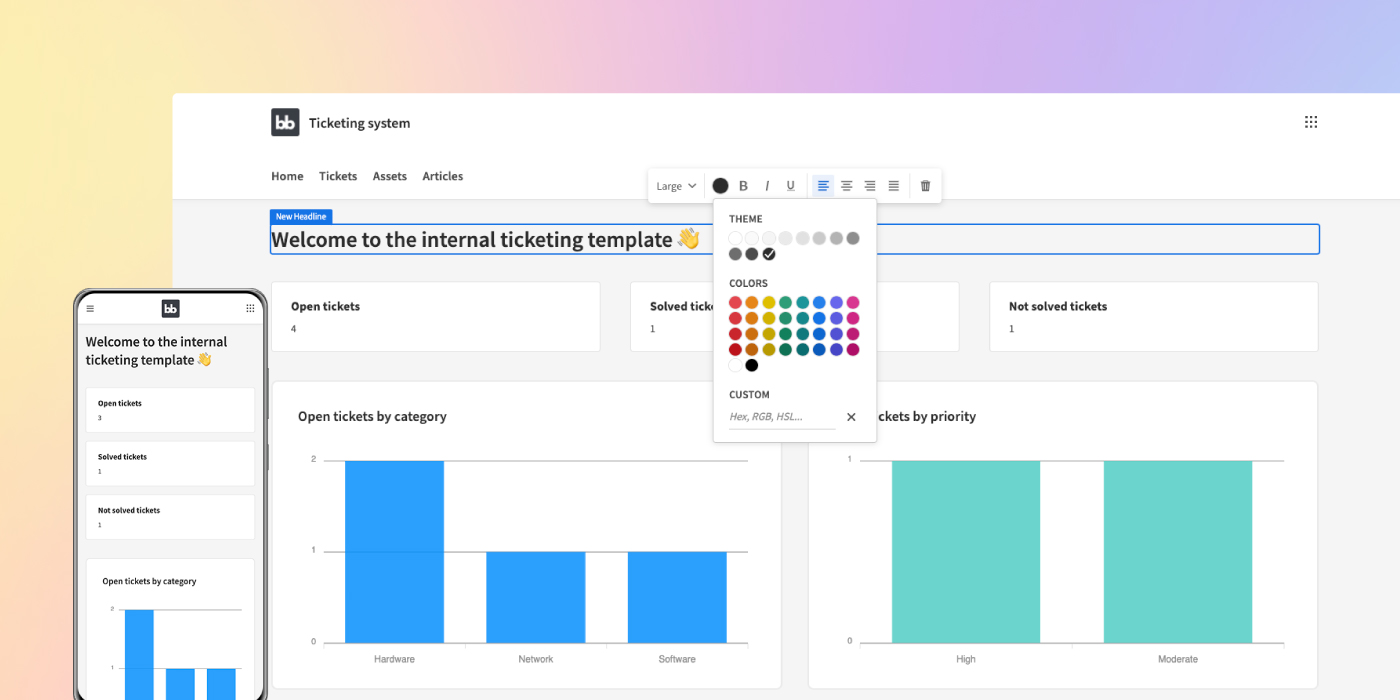
Get started - we host (Budibase Cloud) · Get started - you host (Docker, K8s, DO) · Docs · Feature request · Report a bug · Support: Discussions
✨ Features
Build and ship real software
Unlike other platforms, with Budibase you build and ship single page applications. Budibase applications have performance baked in and can be designed responsively, providing your users with a great experience.
Open source and extensible
Budibase is open-source - licensed as GPL v3. This should fill you with confidence that Budibase will always be around. You can also code against Budibase or fork it and make changes as you please, providing a developer-friendly experience.
Load data or start from scratch
Budibase pulls in data from multiple sources, including MongoDB, CouchDB, PostgreSQL, MySQL, Airtable, S3, DynamoDB, or a REST API. And unlike other platforms, with Budibase you can start from scratch and create business apps with no datasources. Request new datasources.

Design and build apps with powerful pre-made components
Budibase comes out of the box with beautifully designed, powerful components which you can use like building blocks to build your UI. We also expose a lot of your favourite CSS styling options so you can go that extra creative mile. Request new component.

Automate processes, integrate with other tools, and connect to webhooks
Save time by automating manual processes and workflows. From connecting to webhooks, to automating emails, simply tell Budibase what to do and let it work for you. You can easily create new automations for Budibase here or Request new automation.

Integrate with your favorite tools
Budibase integrates with a number of popular tools allowing you to build apps that perfectly fit your stack.

Admin paradise
Budibase is made to scale. With Budibase, you can self-host on your own infrastructure and globally manage users, onboarding, SMTP, apps, groups, theming and more. You can also provide users/groups with an app portal and disseminate user-management to the group manager.
- Checkout the promo video: https://youtu.be/xoljVpty_Kw
Budibase Public API
As with anything that we build in Budibase, our new public API is simple to use, flexible, and introduces new extensibility. To summarize, the Budibase API enables:
- Budibase as a backend
- Interoperability
Docs
You can learn more about the Budibase API at the following places:
- General documentation : Learn how to get your API key, how to use spec, and how to use with Postman
- Interactive API documentation : Learn how to interact with the API
FAQ
Can I install Budibase on Web.Casa?
Yes, Budibase is available in the Web.Casa App Store. You can install it with one click from the Web.Casa panel — no need to manually write Docker Compose files or configure reverse proxies.
How do I install Budibase on Web.Casa?
First install Web.Casa with curl -fsSL https://get.web.casa | bash, then search for "Budibase" in the App Store and click install. Web.Casa automatically configures the Docker container, assigns ports, and sets up a Caddy reverse proxy.
What is the default port for Budibase on Web.Casa?
The default port for Budibase on Web.Casa is 8268. You can bind it to a custom domain through Web.Casa's Caddy reverse proxy, which automatically provisions HTTPS certificates.
Does Budibase get automatic HTTPS after installation?
Yes. Web.Casa is built on Caddy, so after installing the app, simply bind a domain and Caddy will automatically provision and renew SSL certificates via Let's Encrypt — no manual configuration needed.
How do I back up Budibase data?
Web.Casa has a built-in backup plugin that supports automatic backups of Budibase data to local storage, S3, WebDAV, or SFTP. You can configure scheduled snapshots and retention policies to keep your data safe.
Related Apps

Atuin Server
Magical Shell History

Authentik
The authentication glue you need.

Code Server
VS Code in the browser

Dozzle
Dozzle is a small web based app to monitor Docker logs

Fireshare
Self host your media and share with unique links

Forgejo
Beyond coding. We forge. · Lightweight and performant · Guaranteed 100% Free Software