

Why install Firefly III with Web.Casa?
No manual Docker Compose needed. Web.Casa configures and starts everything.
Caddy auto-provisions SSL certificates. Reverse proxy works out of the box.
Monitoring, backups, updates, logs — manage all apps from one panel.
How to Install
Install Web.Casa first, then one-click install this app from the App Store.
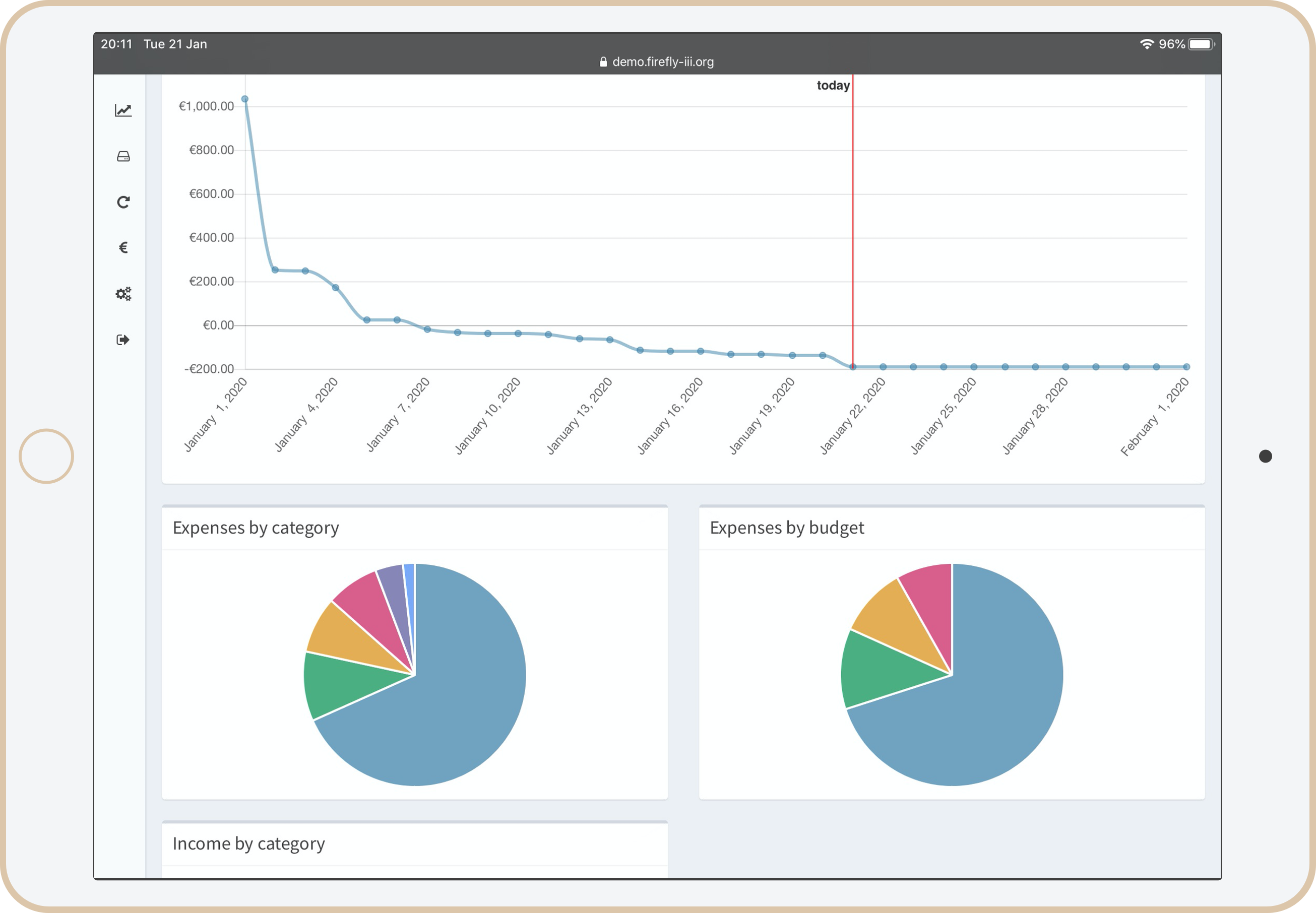
"Firefly III" is a (self-hosted) manager for your personal finances. It can help you keep track of your expenses and income, so you can spend less and save more. Firefly III supports the use of budgets, categories and tags. Using a bunch of external tools, you can import data. It also has many neat financial reports available.
Firefly III should give you insight into and control over your finances. Money should be useful, not scary. You should be able to see where it is going, to feel your expenses and to... wow, I'm going overboard with this aren't I?
But you get the idea: this is your money. These are your expenses. Stop them from controlling you. I built this tool because I started to dislike money. Having money, not having money, paying bills with money, you get the idea. But no more. I want to feel "safe", whatever my balance is. And I hope this tool can help you. I know it helps me.
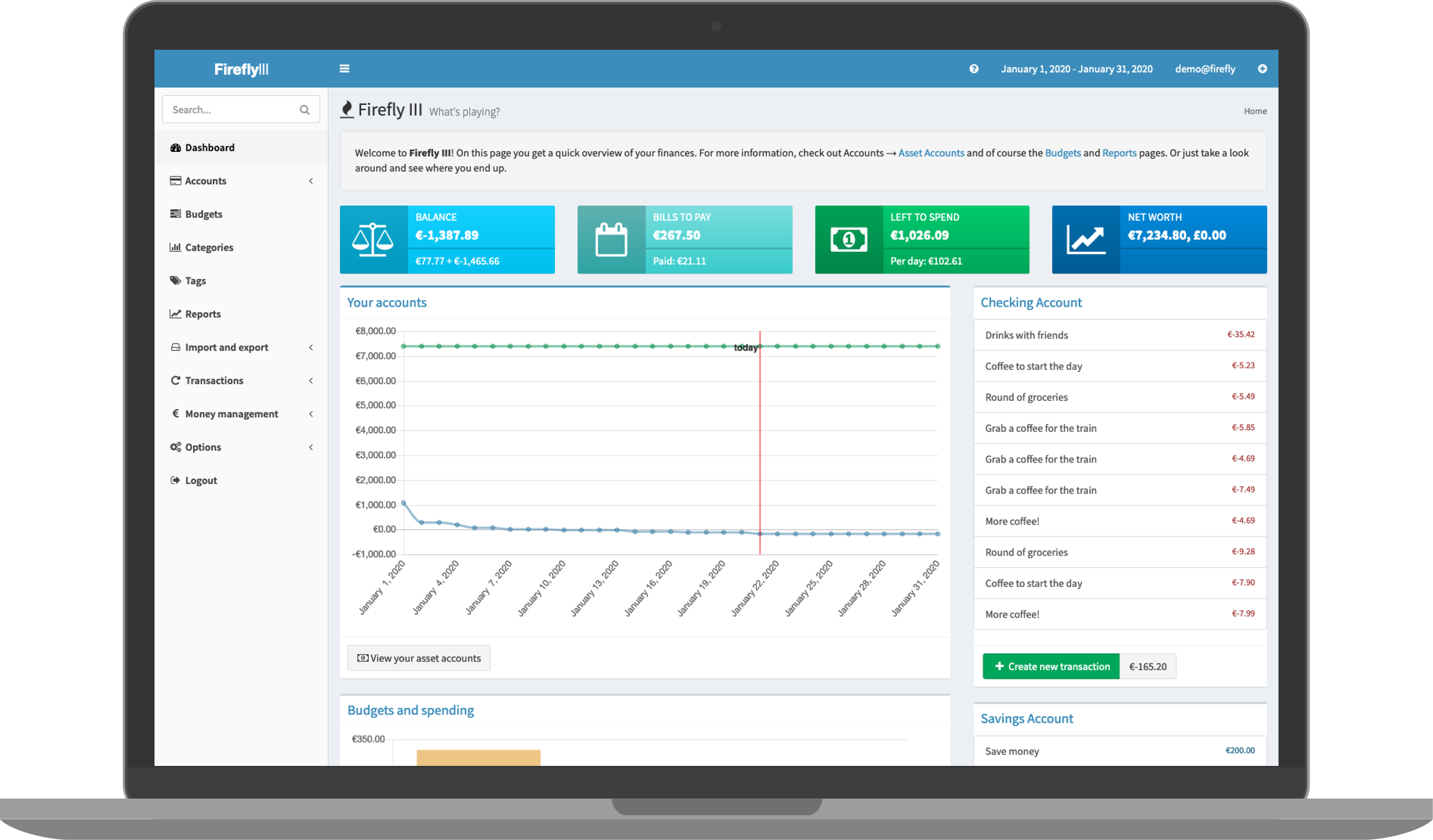
Purpose
Personal financial management is pretty difficult, and everybody has their own approach to it. Some people make budgets, other people limit their cashflow by throwing away their credit cards, others try to increase their current cashflow. There are tons of ways to save and earn money. Firefly III works on the principle that if you know where your money is going, you can stop it from going there.
By keeping track of your expenses and your income you can budget accordingly and save money. Stop living from paycheck to paycheck but give yourself the financial wiggle room you need.
You can read more about the purpose of Firefly III in the documentation.
Need help?
If you need support using Firefly III or the associated tools, come find us!
FAQ
Can I install Firefly III on Web.Casa?
Yes, Firefly III is available in the Web.Casa App Store. You can install it with one click from the Web.Casa panel — no need to manually write Docker Compose files or configure reverse proxies.
How do I install Firefly III on Web.Casa?
First install Web.Casa with curl -fsSL https://get.web.casa | bash, then search for "Firefly III" in the App Store and click install. Web.Casa automatically configures the Docker container, assigns ports, and sets up a Caddy reverse proxy.
What is the default port for Firefly III on Web.Casa?
The default port for Firefly III on Web.Casa is 8115. You can bind it to a custom domain through Web.Casa's Caddy reverse proxy, which automatically provisions HTTPS certificates.
Does Firefly III get automatic HTTPS after installation?
Yes. Web.Casa is built on Caddy, so after installing the app, simply bind a domain and Caddy will automatically provision and renew SSL certificates via Let's Encrypt — no manual configuration needed.
How do I back up Firefly III data?
Web.Casa has a built-in backup plugin that supports automatic backups of Firefly III data to local storage, S3, WebDAV, or SFTP. You can configure scheduled snapshots and retention policies to keep your data safe.


