

Why install Cheshire Cat AI with Web.Casa?
No manual Docker Compose needed. Web.Casa configures and starts everything.
Caddy auto-provisions SSL certificates. Reverse proxy works out of the box.
Monitoring, backups, updates, logs — manage all apps from one panel.
How to Install
Install Web.Casa first, then one-click install this app from the App Store.
Cheshire-Cat (Stregatto)




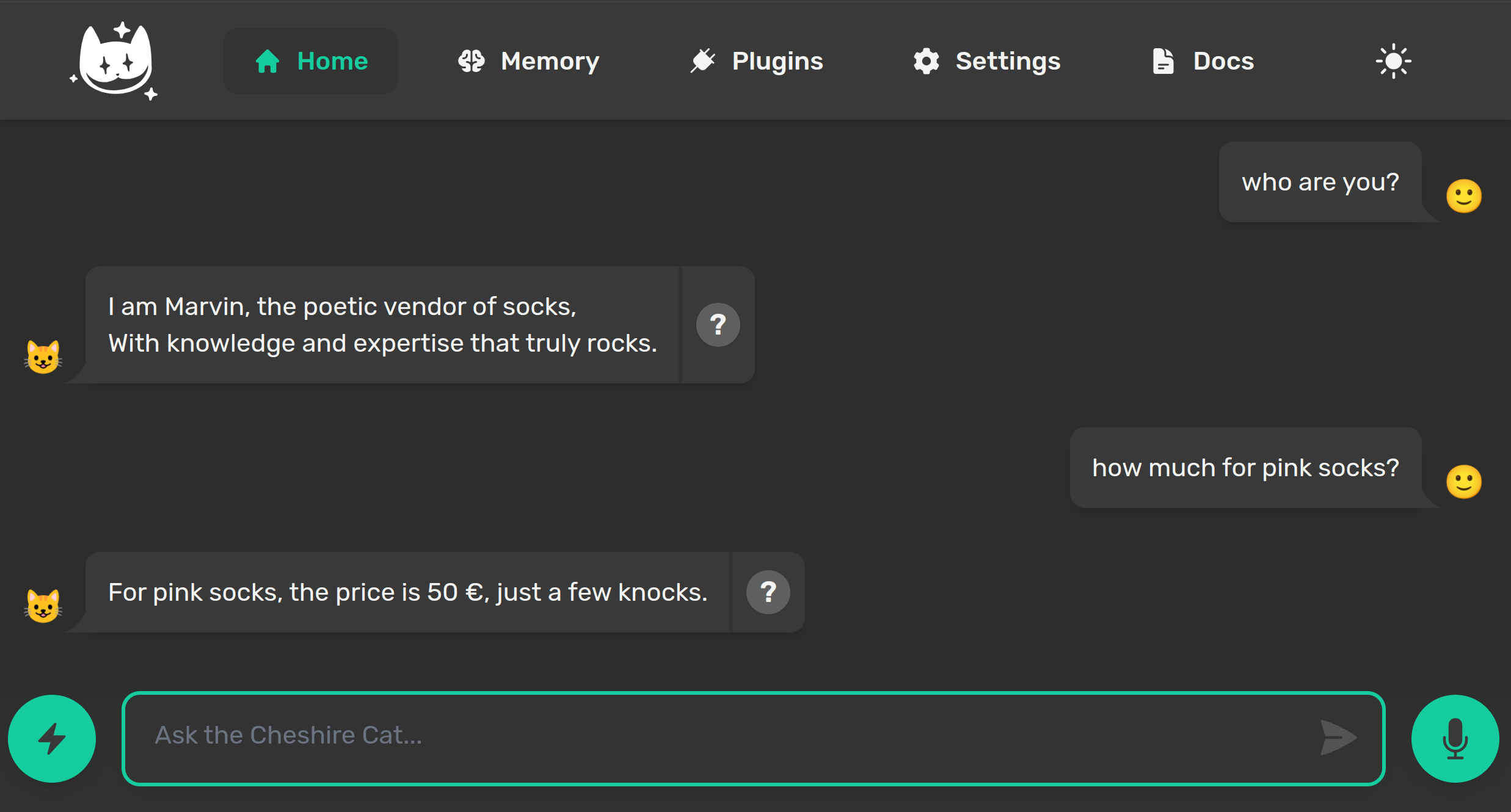
Production-ready AI assistant framework
The Cheshire Cat is a framework to build custom AIs on top of any language model. If you have ever used systems like WordPress or Django to build web apps, imagine the Cat as a similar tool, but specific for AI.
Docs and Resources
- Official Documentation
- Discord Server
- Website
- YouTube tutorial - How to install
- Tutorial - Write your first plugin
Why using the Cat
- ⚡️ API first, so you get a microservice to easily add a conversational layer to your app
- 🐘 Remembers conversations and documents and uses them in conversation
- 🚀 Extensible via plugins (public plugin registry + private plugins allowed)
- 🎚 Event callbacks, function calling (tools), conversational forms
- 🏛 Easy to use admin panel (chat, visualize memory and plugins, adjust settings)
- 🌍 Supports any language model (works with OpenAI, Google, Ollama, HuggingFace, custom services)
- 🐋 Production-ready - 100% dockerized
- 👩👧👦 Active Discord community and easy to understand docs
We are committed to openness, privacy and creativity, we want to bring AI to the long tail. To learn more about our vision and values, read the Code of Ethics.
Roadmap & Contributing
The Detailed roadmap is here.
Send your pull request to the develop branch. Here is a full guide to contributing.
Join our community on Discord and give the project a star ⭐! Thanks again!🙏
Which way to go?
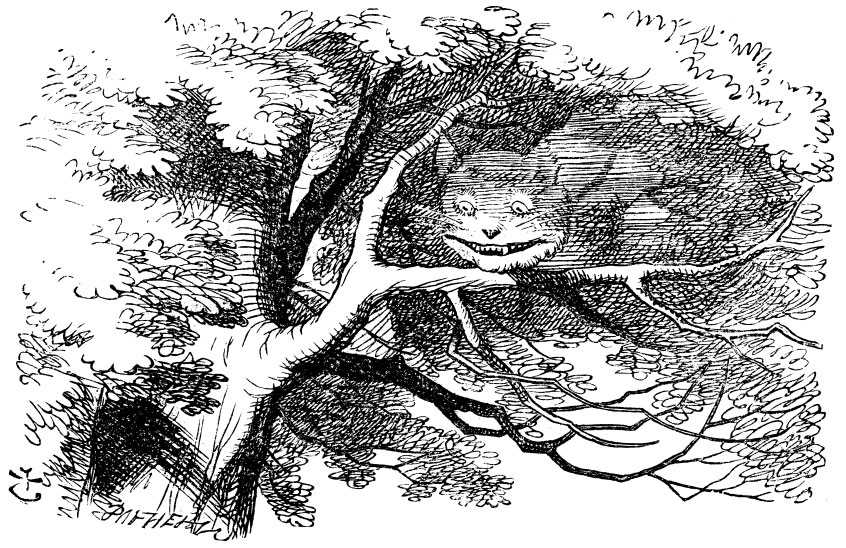
"Would you tell me, please, which way I ought to go from here?"
"That depends a good deal on where you want to get to," said the Cat.
"I don't much care where--" said Alice.
"Then it doesn't matter which way you go," said the Cat.

(Alice's Adventures in Wonderland - Lewis Carroll)
FAQ
Can I install Cheshire Cat AI on Web.Casa?
Yes, Cheshire Cat AI is available in the Web.Casa App Store. You can install it with one click from the Web.Casa panel — no need to manually write Docker Compose files or configure reverse proxies.
How do I install Cheshire Cat AI on Web.Casa?
First install Web.Casa with curl -fsSL https://get.web.casa | bash, then search for "Cheshire Cat AI" in the App Store and click install. Web.Casa automatically configures the Docker container, assigns ports, and sets up a Caddy reverse proxy.
What is the default port for Cheshire Cat AI on Web.Casa?
The default port for Cheshire Cat AI on Web.Casa is 1865. You can bind it to a custom domain through Web.Casa's Caddy reverse proxy, which automatically provisions HTTPS certificates.
Does Cheshire Cat AI get automatic HTTPS after installation?
Yes. Web.Casa is built on Caddy, so after installing the app, simply bind a domain and Caddy will automatically provision and renew SSL certificates via Let's Encrypt — no manual configuration needed.
How do I back up Cheshire Cat AI data?
Web.Casa has a built-in backup plugin that supports automatic backups of Cheshire Cat AI data to local storage, S3, WebDAV, or SFTP. You can configure scheduled snapshots and retention policies to keep your data safe.
Related Apps

Anse
Fully optimized UI for AI Chats.

ChatGPT UI
A ChatGPT web client that supports multiple users, multiple languages, and multiple database connections for persistent data storage

Chatpad AI
Not just another ChatGPT user-interface!

Flowise AI
Build LLM Apps Easily

Hoarder
Self-hostable bookmark-everything app

Lobe Chat
LLM chatbot framework