

Why install Chatpad AI with Web.Casa?
No manual Docker Compose needed. Web.Casa configures and starts everything.
Caddy auto-provisions SSL certificates. Reverse proxy works out of the box.
Monitoring, backups, updates, logs — manage all apps from one panel.
How to Install
Install Web.Casa first, then one-click install this app from the App Store.
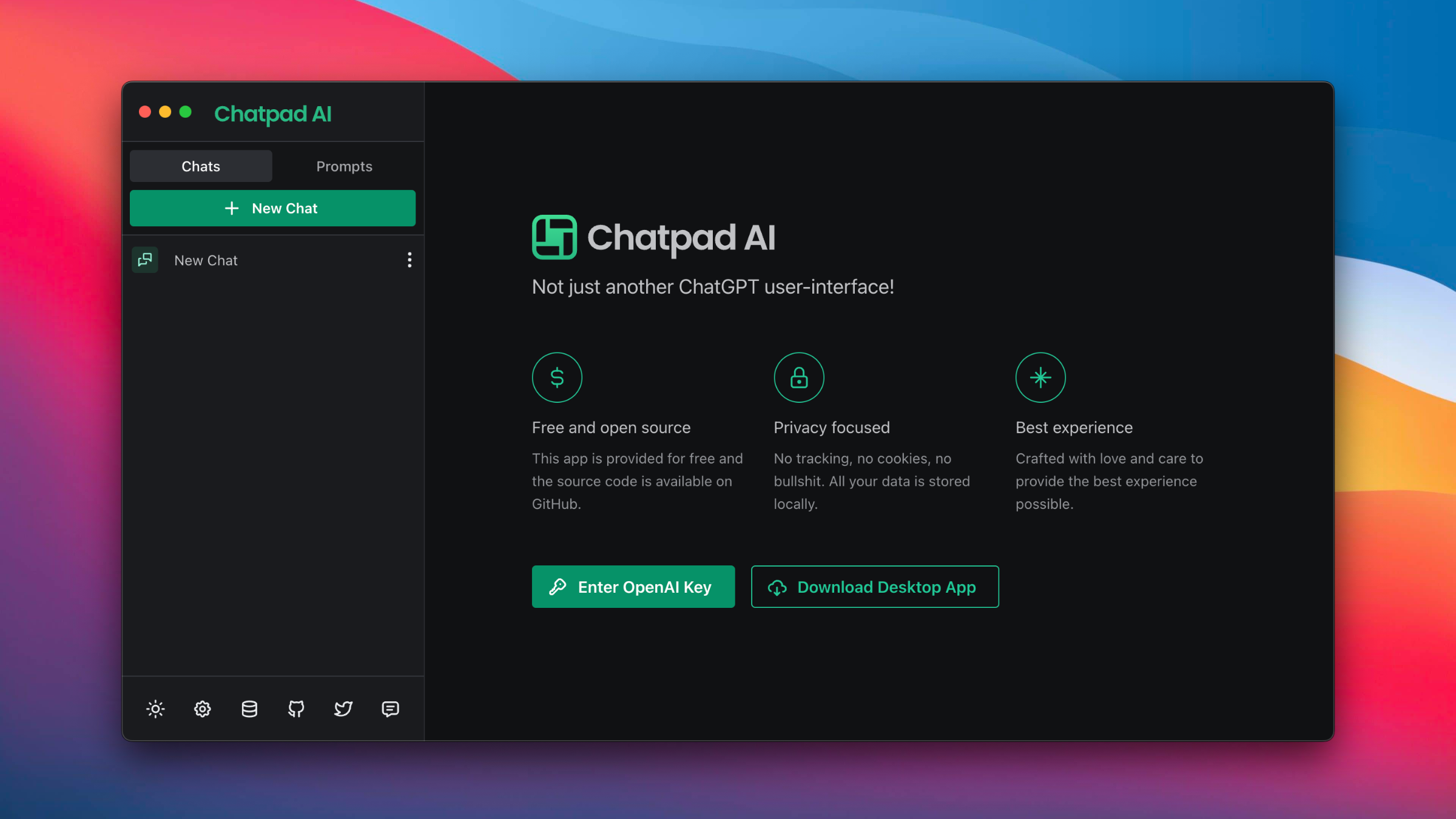
Premium quality UI for ChatGPT
Recently, there has been a surge of UIs for ChatGPT, making it the new "to-do app" that everyone wants to try their hand at. Chatpad sets itself apart with a broader vision - to become the ultimate interface for ChatGPT users.
⚡️ Free and open source
This app is provided for free and the source code is available on GitHub.
🔒 Privacy focused
No tracking, no cookies, no bullshit. All your data is stored locally.
✨ Best experience
Crafted with love and care to provide the best experience possible.
FAQ
Can I install Chatpad AI on Web.Casa?
Yes, Chatpad AI is available in the Web.Casa App Store. You can install it with one click from the Web.Casa panel — no need to manually write Docker Compose files or configure reverse proxies.
How do I install Chatpad AI on Web.Casa?
First install Web.Casa with curl -fsSL https://get.web.casa | bash, then search for "Chatpad AI" in the App Store and click install. Web.Casa automatically configures the Docker container, assigns ports, and sets up a Caddy reverse proxy.
What is the default port for Chatpad AI on Web.Casa?
The default port for Chatpad AI on Web.Casa is 8179. You can bind it to a custom domain through Web.Casa's Caddy reverse proxy, which automatically provisions HTTPS certificates.
Does Chatpad AI get automatic HTTPS after installation?
Yes. Web.Casa is built on Caddy, so after installing the app, simply bind a domain and Caddy will automatically provision and renew SSL certificates via Let's Encrypt — no manual configuration needed.
How do I back up Chatpad AI data?
Web.Casa has a built-in backup plugin that supports automatic backups of Chatpad AI data to local storage, S3, WebDAV, or SFTP. You can configure scheduled snapshots and retention policies to keep your data safe.
Related Apps

Anse
Fully optimized UI for AI Chats.

ChatGPT UI
A ChatGPT web client that supports multiple users, multiple languages, and multiple database connections for persistent data storage

Cheshire Cat AI
A production-ready AI framework to develop AI agents.

Flowise AI
Build LLM Apps Easily

Hoarder
Self-hostable bookmark-everything app

Lobe Chat
LLM chatbot framework