

Why install WatchYourLAN with Web.Casa?
No manual Docker Compose needed. Web.Casa configures and starts everything.
Caddy auto-provisions SSL certificates. Reverse proxy works out of the box.
Monitoring, backups, updates, logs — manage all apps from one panel.
How to Install
Install Web.Casa first, then one-click install this app from the App Store.
 WatchYourLAN
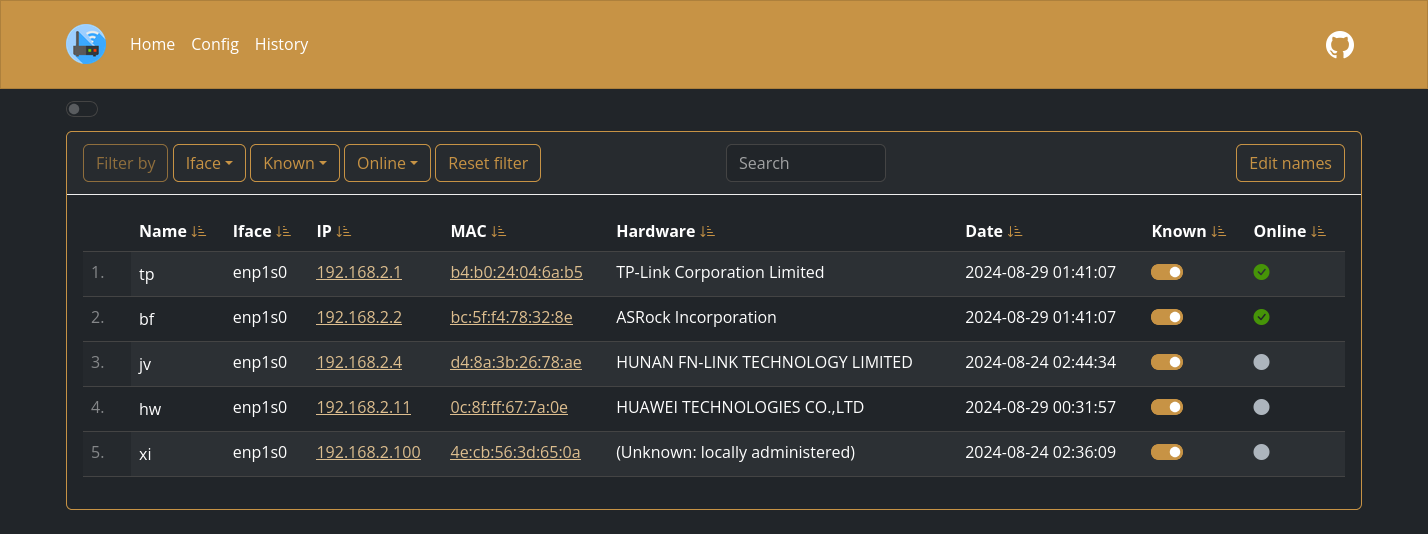
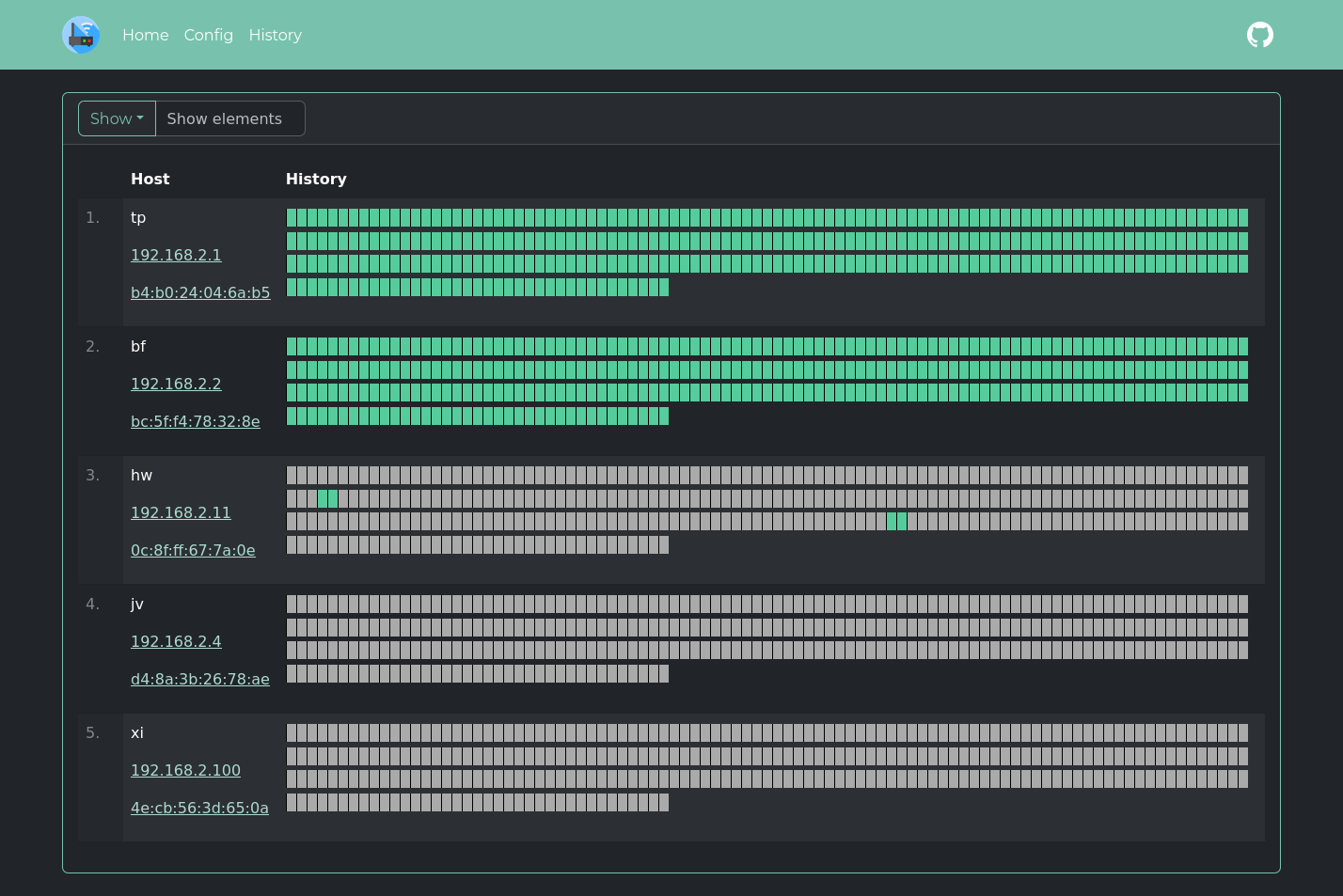
Lightweight network IP scanner with web GUI. Features:
- Send notification when new host is found
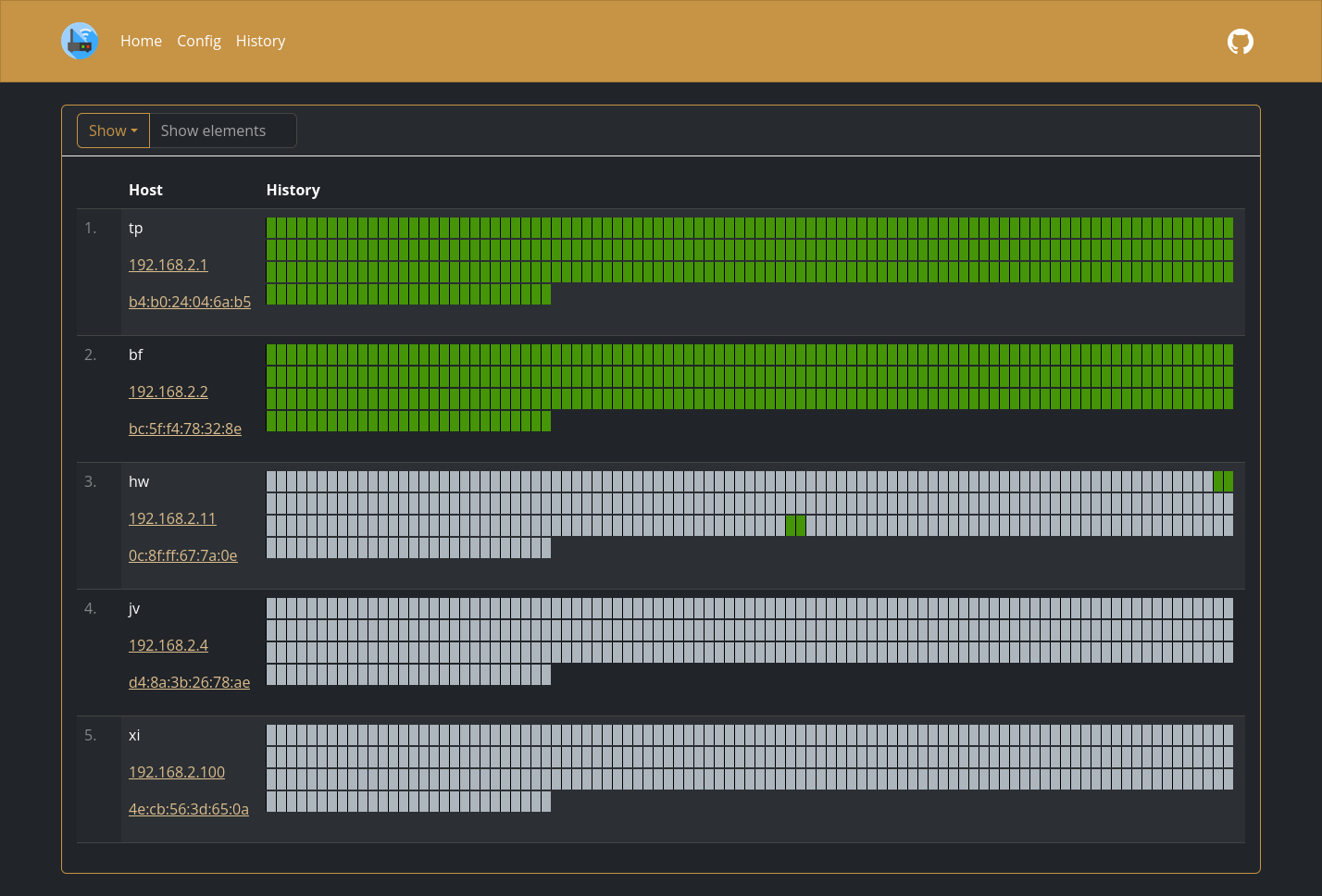
- Monitor hosts online/offline history
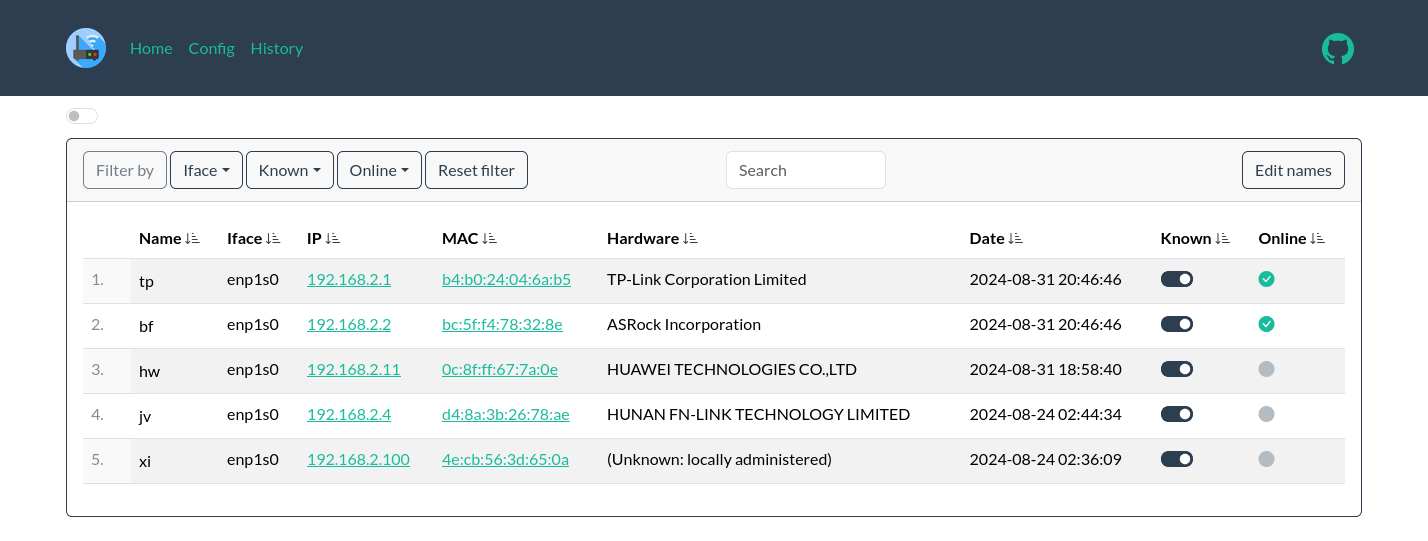
- Keep a list of all hosts in the network
- Send data to
InfluxDB2to make aGrafanadashboard
WatchYourLAN supports
vlans,docker0and other complicated scans sincev2.0.1. How-to here.
More screenshots
Expand

FAQ
Can I install WatchYourLAN on Web.Casa?
Yes, WatchYourLAN is available in the Web.Casa App Store. You can install it with one click from the Web.Casa panel — no need to manually write Docker Compose files or configure reverse proxies.
How do I install WatchYourLAN on Web.Casa?
First install Web.Casa with curl -fsSL https://get.web.casa | bash, then search for "WatchYourLAN" in the App Store and click install. Web.Casa automatically configures the Docker container, assigns ports, and sets up a Caddy reverse proxy.
What is the default port for WatchYourLAN on Web.Casa?
The default port for WatchYourLAN on Web.Casa is 8840. You can bind it to a custom domain through Web.Casa's Caddy reverse proxy, which automatically provisions HTTPS certificates.
Does WatchYourLAN get automatic HTTPS after installation?
Yes. Web.Casa is built on Caddy, so after installing the app, simply bind a domain and Caddy will automatically provision and renew SSL certificates via Let's Encrypt — no manual configuration needed.
How do I back up WatchYourLAN data?
Web.Casa has a built-in backup plugin that supports automatic backups of WatchYourLAN data to local storage, S3, WebDAV, or SFTP. You can configure scheduled snapshots and retention policies to keep your data safe.


