

Why install Tooljet with Web.Casa?
No manual Docker Compose needed. Web.Casa configures and starts everything.
Caddy auto-provisions SSL certificates. Reverse proxy works out of the box.
Monitoring, backups, updates, logs — manage all apps from one panel.
How to Install
Install Web.Casa first, then one-click install this app from the App Store.
Installation Notes
You will need to enable the "expose app" option and configure a URL in Tipi to use Tooljet. This setting can be changed at a later date if an integration is identified that needs it.
Easily build internal tools.
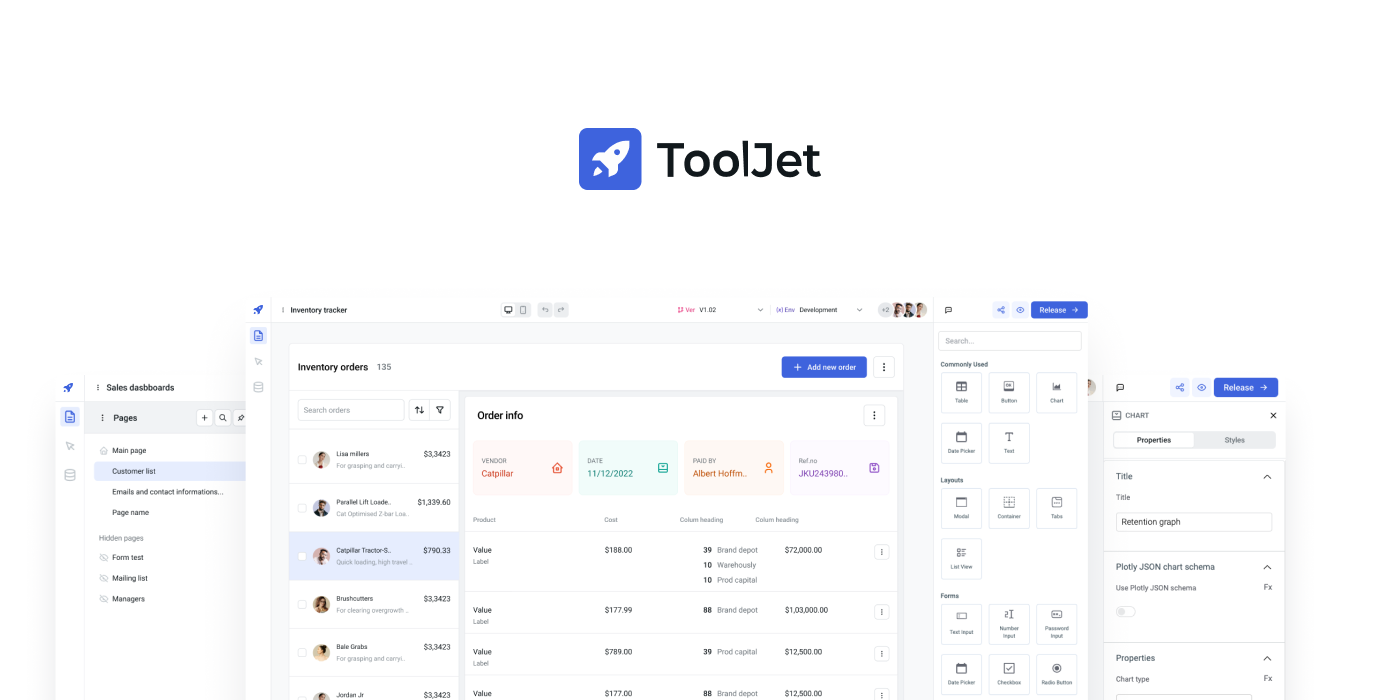
Visual app builder: 40+ built-in responsive widgets such as Tables, Charts, Lists, Forms, Progressbars, and more. ToolJet Database: In-built no-code database. Multi-Page: Build an application with as many pages as you want. Multiplayer editing: multiple users can use the app builder at the same time. 40+ data sources: connect to external databases, cloud storages and APIs. Desktop & mobile: layout widths can be customised to support different screens. Self-host: (supports Docker, Kubernetes, Heroku, AWS EC2, Google Cloud Run, and more). Collaborate: add comments anywhere on the canvas and tag your team members. Extend with plugins: use our commandline tool to easily bootstrap new connectors. Version control: every application have different versions with proper release cycle. Run JS & Python code: ability custom JavaScript & Python snippets Granular access control on group-level and app-level. Low-code: write JS code almost anywhere in the builder. For example, the color property of text can be set to status === 'success' ? 'green' : 'red' No-code query editors: for all supported data sources. Join and transform data: transform query results using just JavaScript/Python code. Secure: All the credentials are securely encrypted using aes-256-gcm. Doesn't store data: ToolJet acts only as a proxy and doesn't store any data. SSO: Supports multiple SSO providers
FAQ
Can I install Tooljet on Web.Casa?
Yes, Tooljet is available in the Web.Casa App Store. You can install it with one click from the Web.Casa panel — no need to manually write Docker Compose files or configure reverse proxies.
How do I install Tooljet on Web.Casa?
First install Web.Casa with curl -fsSL https://get.web.casa | bash, then search for "Tooljet" in the App Store and click install. Web.Casa automatically configures the Docker container, assigns ports, and sets up a Caddy reverse proxy.
What is the default port for Tooljet on Web.Casa?
The default port for Tooljet on Web.Casa is 9876. You can bind it to a custom domain through Web.Casa's Caddy reverse proxy, which automatically provisions HTTPS certificates.
Does Tooljet get automatic HTTPS after installation?
Yes. Web.Casa is built on Caddy, so after installing the app, simply bind a domain and Caddy will automatically provision and renew SSL certificates via Let's Encrypt — no manual configuration needed.
How do I back up Tooljet data?
Web.Casa has a built-in backup plugin that supports automatic backups of Tooljet data to local storage, S3, WebDAV, or SFTP. You can configure scheduled snapshots and retention policies to keep your data safe.
Related Apps

Activepieces
True zapier alternative.

Eclipse Mosquitto
The MQTT protocol provides a lightweight method of carrying out messaging using a publish/subscribe model.

EMQX Open Source
Scalable open-source MQTT broker.

ESP Home
Control your ESP8266/ESP32.

Flowise AI
Build LLM Apps Easily

Gladys Assistant
A privacy-first, open-source home assistant