

Why install Tailscale with Web.Casa?
No manual Docker Compose needed. Web.Casa configures and starts everything.
Caddy auto-provisions SSL certificates. Reverse proxy works out of the box.
Monitoring, backups, updates, logs — manage all apps from one panel.
How to Install
Install Web.Casa first, then one-click install this app from the App Store.
The easiest, most secure way to use WireGuard and 2FA.
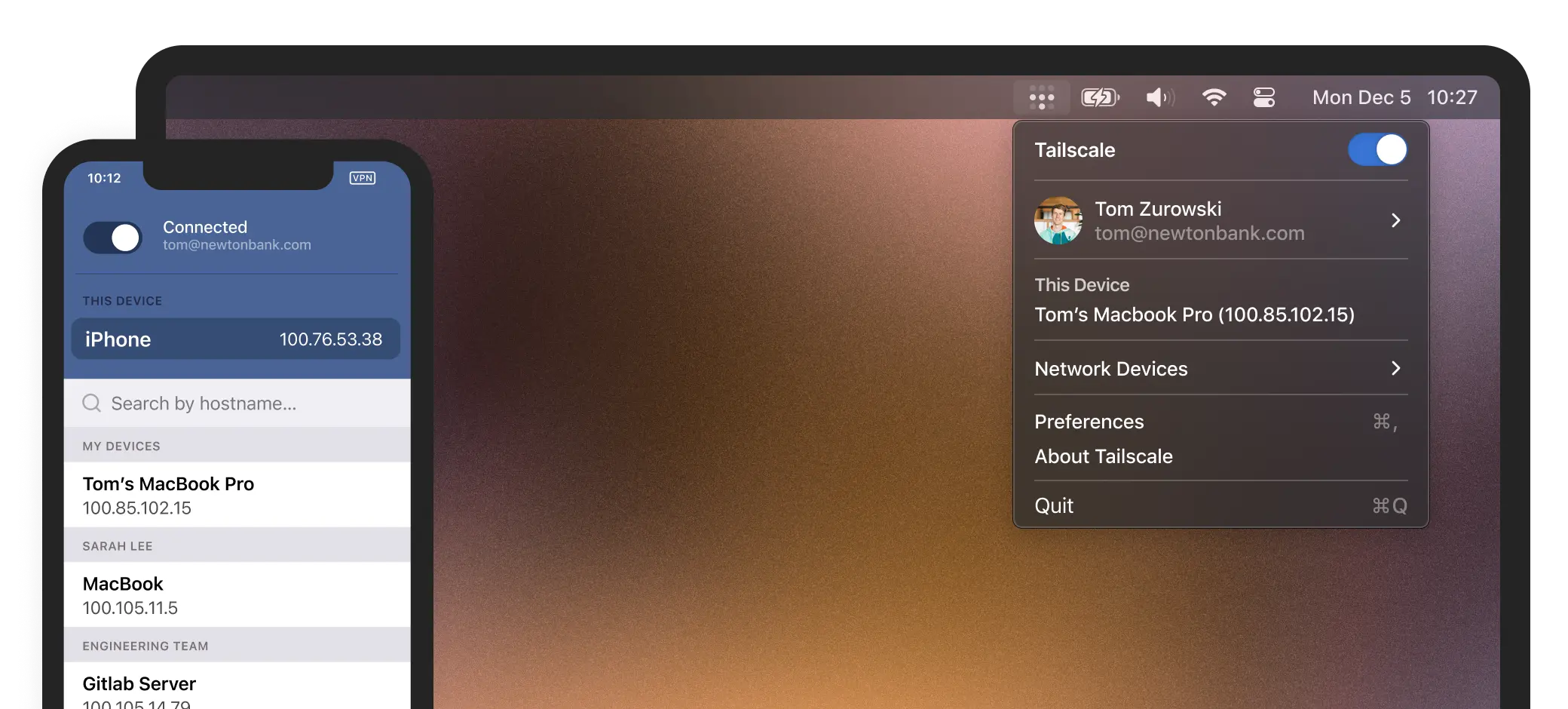
Zero config VPN. Installs on any device in minutes, manages firewall rules for you, and works from anywhere. Create a secure network between your servers, computers, and cloud instances. Even when separated by firewalls or subnets, Tailscale just works. Devices only connect after signing in through your existing identity provider. Easily enforce multi-factor authentication, deauthorize employees who’ve moved on, and more.
Documentation: https://tailscale.com/kb/1282/docker#parameters
FAQ
Can I install Tailscale on Web.Casa?
Yes, Tailscale is available in the Web.Casa App Store. You can install it with one click from the Web.Casa panel — no need to manually write Docker Compose files or configure reverse proxies.
How do I install Tailscale on Web.Casa?
First install Web.Casa with curl -fsSL https://get.web.casa | bash, then search for "Tailscale" in the App Store and click install. Web.Casa automatically configures the Docker container, assigns ports, and sets up a Caddy reverse proxy.
What is the default port for Tailscale on Web.Casa?
The default port for Tailscale on Web.Casa is 8093. You can bind it to a custom domain through Web.Casa's Caddy reverse proxy, which automatically provisions HTTPS certificates.
Does Tailscale get automatic HTTPS after installation?
Yes. Web.Casa is built on Caddy, so after installing the app, simply bind a domain and Caddy will automatically provision and renew SSL certificates via Let's Encrypt — no manual configuration needed.
How do I back up Tailscale data?
Web.Casa has a built-in backup plugin that supports automatic backups of Tailscale data to local storage, S3, WebDAV, or SFTP. You can configure scheduled snapshots and retention policies to keep your data safe.
Related Apps

2FAuth
Manage your Two-Factor Authentication codes.

Adguard
World's most advanced adblocker!

Adguard Home Sync
Synchronize AdGuard Home config to replicas

Cloudflare DDNS
Update DNS records on Cloudflare.

Crowdsec
Participative security solution offering crowdsourced protection against malicious IPs and access to the most advanced real-world CTI.

CyberChef
The Cyber Swiss Army Knife