

Why install Nextcloud Mini with Web.Casa?
No manual Docker Compose needed. Web.Casa configures and starts everything.
Caddy auto-provisions SSL certificates. Reverse proxy works out of the box.
Monitoring, backups, updates, logs — manage all apps from one panel.
How to Install
Install Web.Casa first, then one-click install this app from the App Store.
Nextcloud Server ☁
A safe home for all your data.
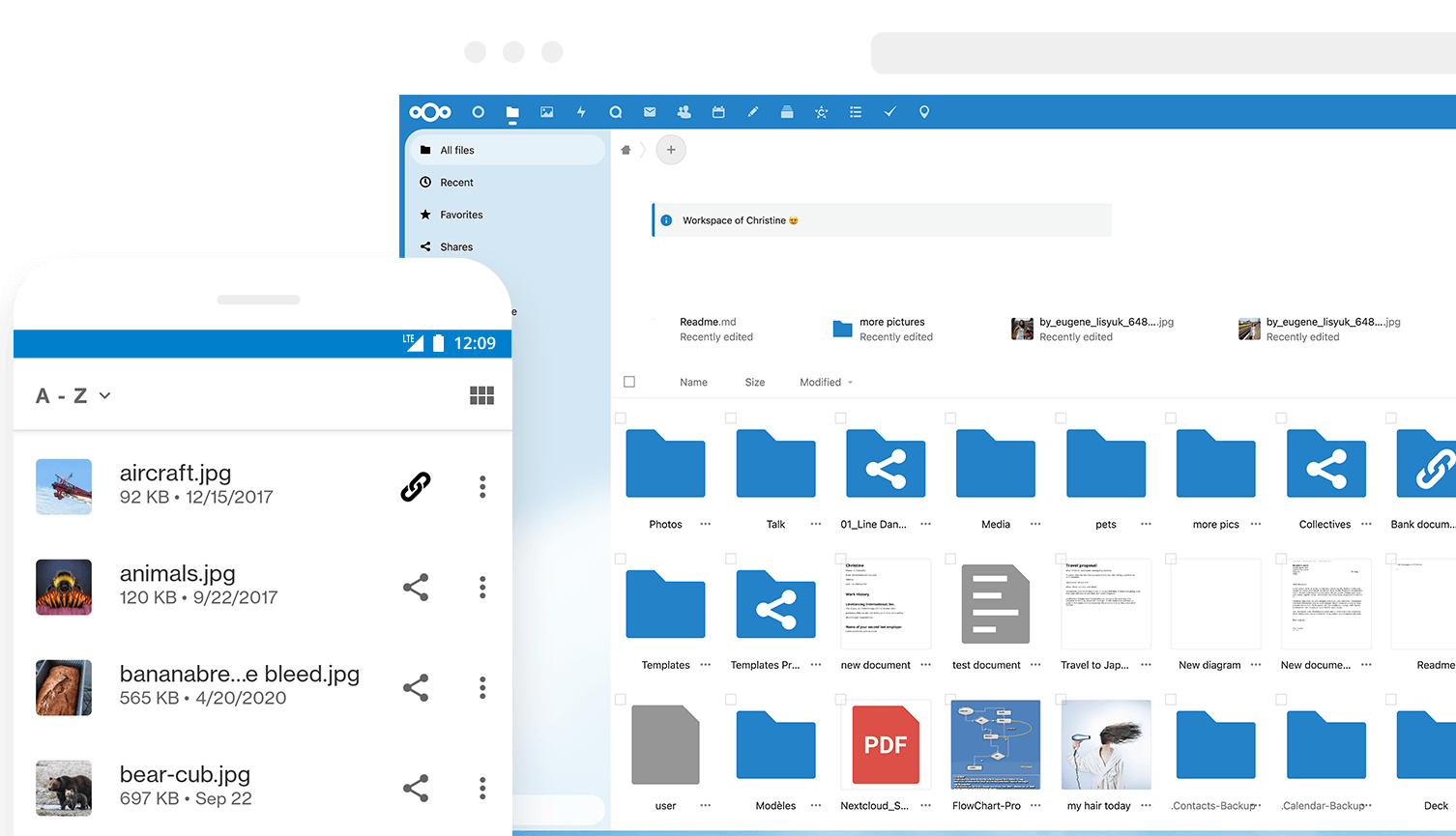
Why is this so awesome? 🤩
- 📁 Access your Data You can store your files, contacts, calendars, and more on a server of your choosing.
- 🔄 Sync your Data You keep your files, contacts, calendars, and more synchronized amongst your devices.
- 🙌 Share your Data …by giving others access to the stuff you want them to see or to collaborate with.
- 🚀 Expandable with hundreds of Apps ...like Calendar, Contacts, Mail, Video Chat and all those you can discover in our App Store
- 🔒 Security with our encryption mechanisms, HackerOne bounty program and two-factor authentication.
Do you want to learn more about how you can use Nextcloud to access, share, and protect your files, calendars, contacts, communication & more at home and in your organization? Learn about all our Features.
Warning ⚠️: This is a simple nextcloud instance running only the nextcloud server and a postgres database. If you want features like cron and redis, please use the nextcloud app in the appstore.
⛺ Runtipi Note - 2026
The version of this app is currently not aligned with the latest avaible: 33. Since Nextcloud requires to be upgraded step-by-step (you can only update to the next major and can't skip iterations), we will be rolling out a major update version every month until we catch up with the latest version.
Tips
- Remember to backup your data !
- After an upgrade you should check the admin panel for warnings.
- You can ignore an update if you are not ready. (but don't delay it too much)
- If you missed an intermediate version you can use a "user-config" to catch up.
User-Config example
here is an example to set nextcloud to version 30:
services:
 nextcloud-mini:
   image: nextcloud:30-apache
Useful command
!!! Make sure to know what you are doing and backup your data. !!!
- Access your Runtipi host command line
- Go to your Runtipi installation directory
cd runtipi
Fix the files ownership
chown -R www-data:www-data app-data/migrated/nextcloud-mini/data/nextcloud/
Edit your configuration (be careful)
This can be necessary in some use case (maintenance mode, add a new domain...)
nano app-data/migrated/nextcloud-mini/data/nextcloud/config/config.php
Manual update
docker exec -it nextcloud-mini_migrated-nextcloud-mini-1 php occ upgrade
Interact with database (advanced users)
docker exec -it nextcloud-mini_migrated-nextcloud-mini-db-1 psql -d nextcloud -U nextcloud
FAQ
Can I install Nextcloud Mini on Web.Casa?
Yes, Nextcloud Mini is available in the Web.Casa App Store. You can install it with one click from the Web.Casa panel — no need to manually write Docker Compose files or configure reverse proxies.
How do I install Nextcloud Mini on Web.Casa?
First install Web.Casa with curl -fsSL https://get.web.casa | bash, then search for "Nextcloud Mini" in the App Store and click install. Web.Casa automatically configures the Docker container, assigns ports, and sets up a Caddy reverse proxy.
What is the default port for Nextcloud Mini on Web.Casa?
The default port for Nextcloud Mini on Web.Casa is 8564. You can bind it to a custom domain through Web.Casa's Caddy reverse proxy, which automatically provisions HTTPS certificates.
Does Nextcloud Mini get automatic HTTPS after installation?
Yes. Web.Casa is built on Caddy, so after installing the app, simply bind a domain and Caddy will automatically provision and renew SSL certificates via Let's Encrypt — no manual configuration needed.
How do I back up Nextcloud Mini data?
Web.Casa has a built-in backup plugin that supports automatic backups of Nextcloud Mini data to local storage, S3, WebDAV, or SFTP. You can configure scheduled snapshots and retention policies to keep your data safe.
Related Apps

Baïkal
Calendar + Contacts server

bewCloud
The Simple Web Cloud Solution.

Bookstack
BookStack is a self-hosted platform for organising and storing information.

Docmost
An open-source collaborative wiki and documentation software

Duplicati
Store securely encrypted backups in the cloud!

Flightlog
Flightlog, a web application that keeps track of your personal flight history