

Why install Maintainerr with Web.Casa?
No manual Docker Compose needed. Web.Casa configures and starts everything.
Caddy auto-provisions SSL certificates. Reverse proxy works out of the box.
Monitoring, backups, updates, logs — manage all apps from one panel.
How to Install
Install Web.Casa first, then one-click install this app from the App Store.
Maintainerr makes managing your media easy.
- Do you hate being the janitor of your server?
- Do you have a lot of media that never gets watched?
- Do your users constantly request media, and let it sit there afterward never to be touched again?
If you answered yes to any of those questions.. You NEED Maintainerr. It's a one-stop-shop for handling those outlying shows and movies that take up precious space on your server.
Features
-
Configure rules specific to your needs, based off of several available options from Plex, Overseerr, Radarr, and Sonarr.
-
Manually add media to a collection, in case it's not included after rule execution. (one-off items that don't match a rule set)
-
Selectively exclude media from being added to a collection, even if it matches a rule.
-
Show a collection, containing rule matched media, on the Plex home screen for a specific duration before deletion. Think "Leaving soon".
-
Optionally, use a manual Plex collection, in case you don't want Maintainerr to add & remove Plex collections at will.
-
Manage media straight from the collection within Plex. Maintainerr will sync and add or exclude media to/from the internal collection.
-
Remove or unmonitor media from *arr
-
Clear requests from Overseerr
-
Delete files from disk
Currently, Maintainerr supports rule parameters from these apps :
- Plex
- Overseerr
- Radarr
- Sonarr
Preview
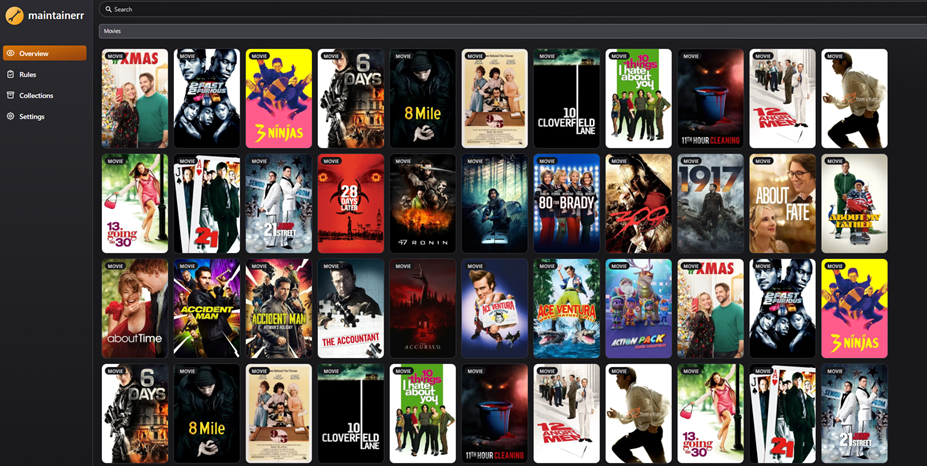
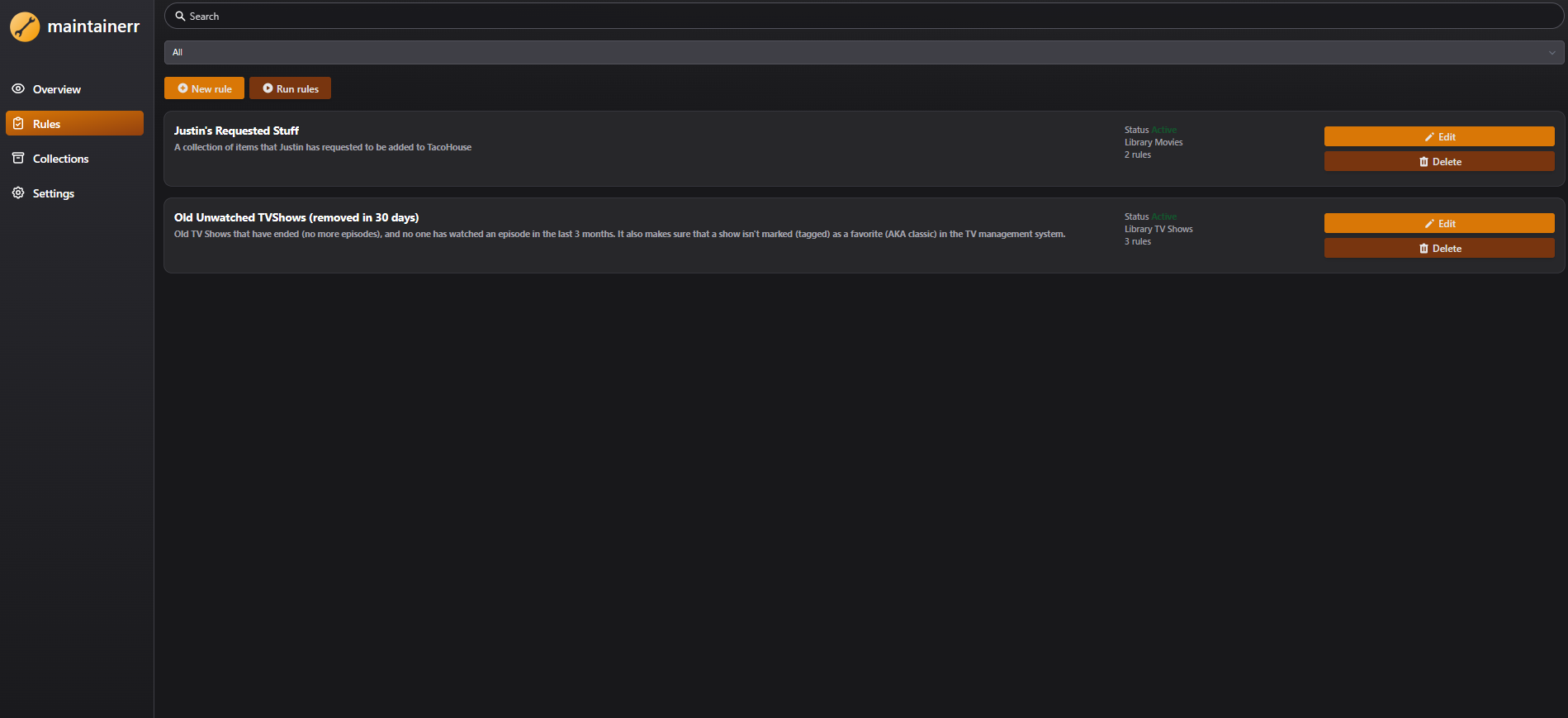
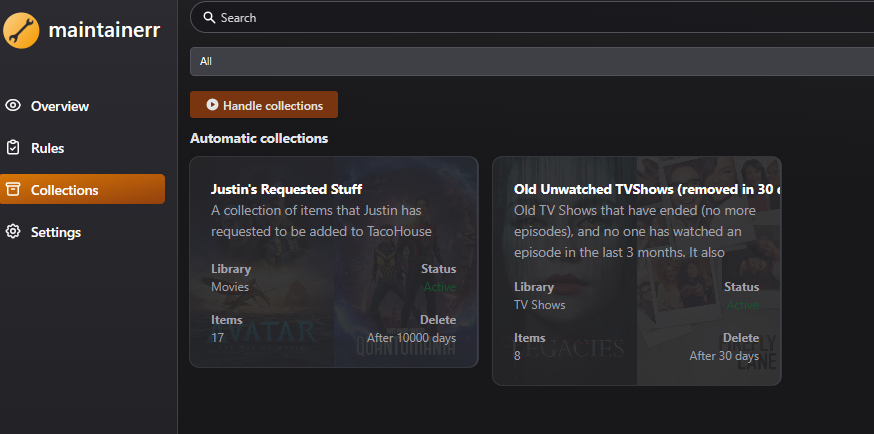
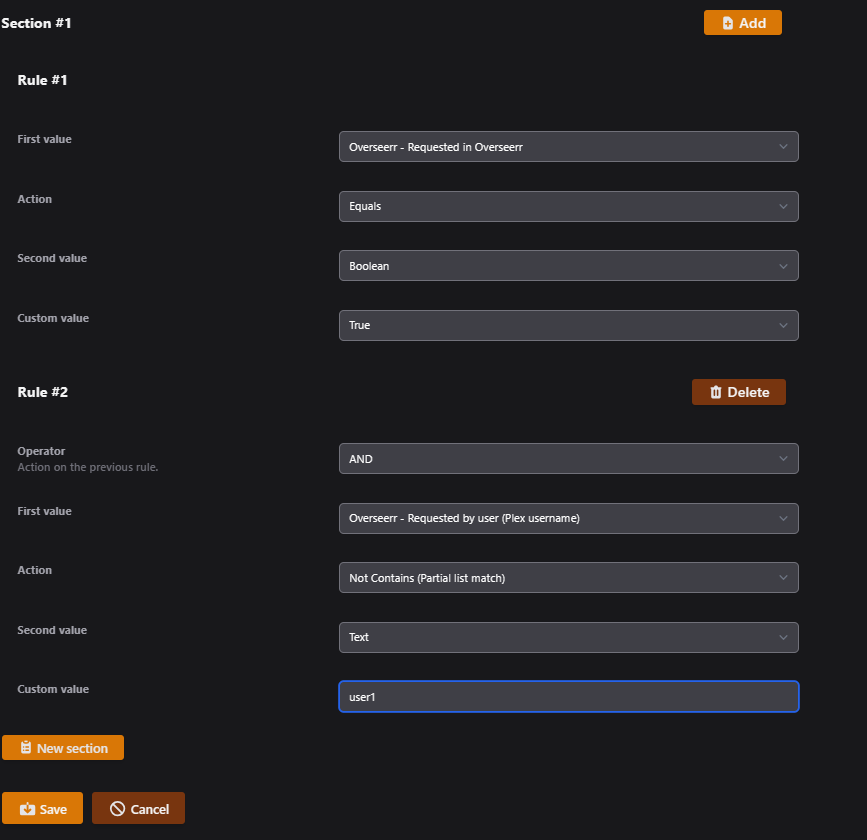
FAQ
Can I install Maintainerr on Web.Casa?
Yes, Maintainerr is available in the Web.Casa App Store. You can install it with one click from the Web.Casa panel — no need to manually write Docker Compose files or configure reverse proxies.
How do I install Maintainerr on Web.Casa?
First install Web.Casa with curl -fsSL https://get.web.casa | bash, then search for "Maintainerr" in the App Store and click install. Web.Casa automatically configures the Docker container, assigns ports, and sets up a Caddy reverse proxy.
What is the default port for Maintainerr on Web.Casa?
The default port for Maintainerr on Web.Casa is 8030. You can bind it to a custom domain through Web.Casa's Caddy reverse proxy, which automatically provisions HTTPS certificates.
Does Maintainerr get automatic HTTPS after installation?
Yes. Web.Casa is built on Caddy, so after installing the app, simply bind a domain and Caddy will automatically provision and renew SSL certificates via Let's Encrypt — no manual configuration needed.
How do I back up Maintainerr data?
Web.Casa has a built-in backup plugin that supports automatic backups of Maintainerr data to local storage, S3, WebDAV, or SFTP. You can configure scheduled snapshots and retention policies to keep your data safe.
Related Apps

Adguard Home Sync
Synchronize AdGuard Home config to replicas

AFFiNE
AFFiNE is a workspace with fully merged docs, whiteboards and databases.

ArchiveBox
Open source self-hosted web archiving.

Atuin Server
Magical Shell History

Audiobookshelf
Audiobookshelf is a self-hosted audiobook and podcast server.

autobrr
Automation for downloads.