

LinkStack — One-Click Install
LinkStack is a highly customizable link sharing platform with an intuitive, easy to use user interface
Why install LinkStack with Web.Casa?
No manual Docker Compose needed. Web.Casa configures and starts everything.
Caddy auto-provisions SSL certificates. Reverse proxy works out of the box.
Monitoring, backups, updates, logs — manage all apps from one panel.
How to Install
Install Web.Casa first, then one-click install this app from the App Store.
Open-Source Linktree Alternative
LinkStack is a highly customizable link sharing platform
with an intuitive, easy to use user interface.
Function
LinkStack: The Ultimate Link Management Solution
LinkStack is a unique platform that provides an efficient solution for managing and sharing links online. Our platform offers a website similar to Linktree, which allows users to overcome the limitation of only being able to add one link on social media platforms.
With LinkStack, users can easily link to their own custom page and provide their followers with access to all the links they need in one convenient location. What sets LinkStack apart from other link management platforms is its flexibility, which allows users to host their links on their own web server or web hosting provider. This provides users with complete control over their online presence and ensures that their links are easily accessible.
Additionally, LinkStack allows other users to register and create their own links, making it an ideal solution for businesses and organizations looking to manage multiple links. With our user-friendly Admin Panel, managing and accessing other users' links is easy.
About
With LinkStack, our mission is to provide users with a free and privacy-focused solution for managing and sharing links online. We believe that everyone should have access to a customizable link-sharing platform without sacrificing their privacy and control over their data.
To achieve this mission, we offer a self-hosted option for users who want complete control over their data without having it sold to third-party companies. Our platform can be easily implemented through a simple drag and drop process, eliminating the need for complex terminal commands or source code manipulation.
For those who may not have the technical expertise to self-host, we also offer free instances of our platform while still prioritizing their privacy. Our platform offers many of the same features and options as commercial link-sharing platforms while maintaining the values of privacy and autonomy.
Our goal is to provide a free version of a link-sharing service, similar to Linktree, while empowering users to take ownership of their data. We will never sell user data and believe in providing a trustworthy and transparent solution for managing and sharing links online.
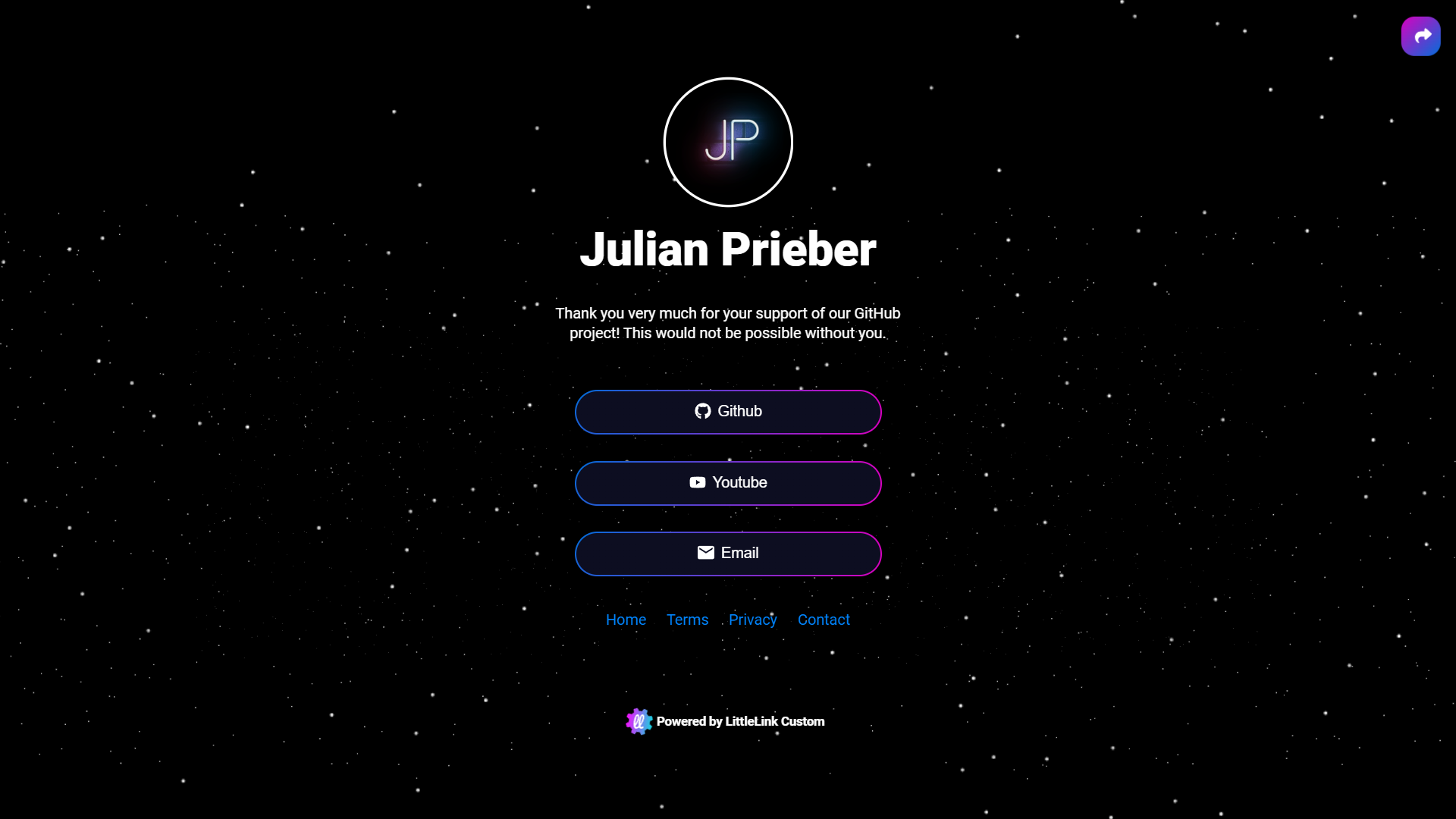
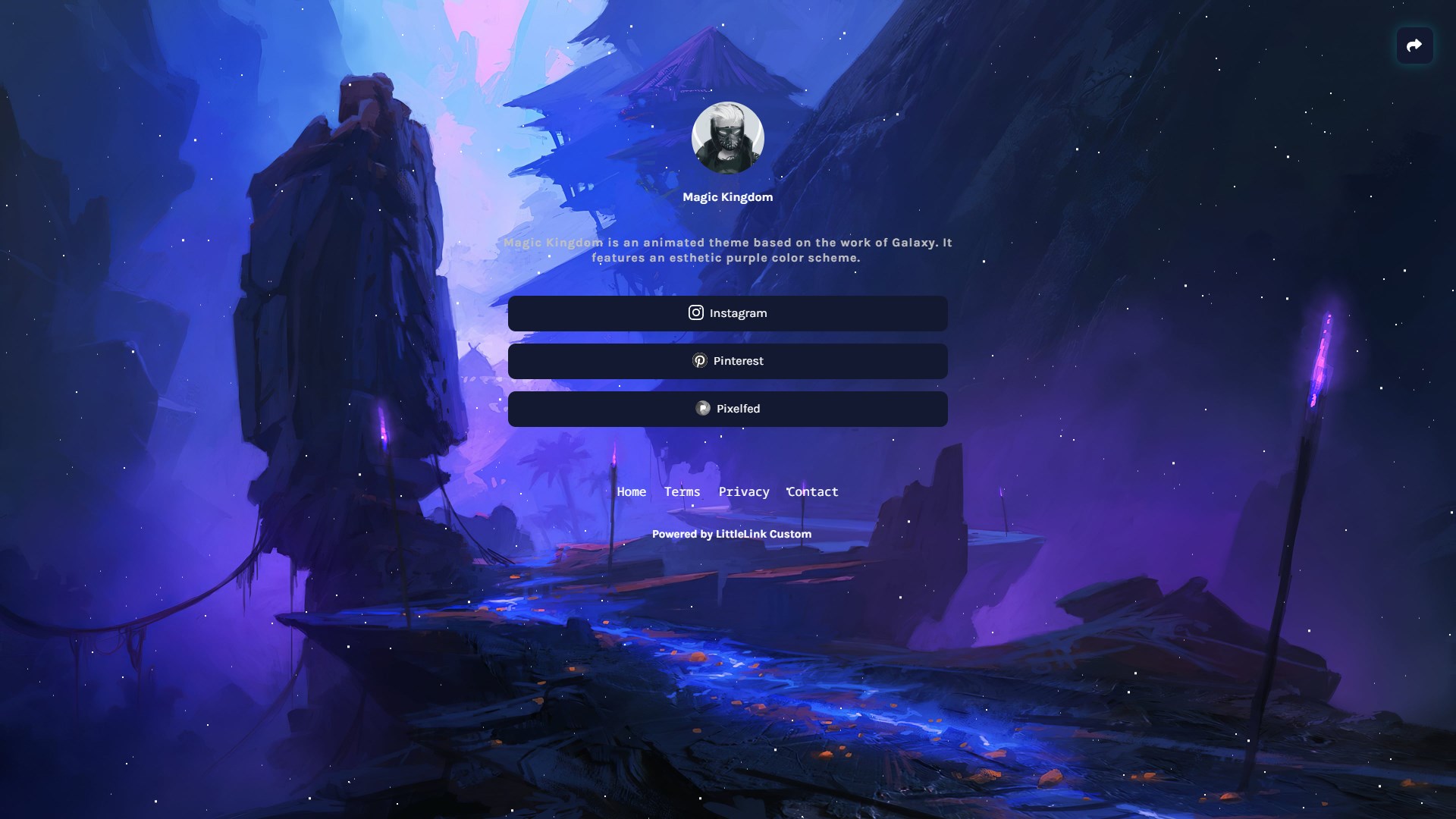
Themes
Custom Themes
Customize the look of your LinkStack instance with themes. Themes allow you to change the look and feel of your site with a few clicks. Users can submit themes they created for everyone to download and use.
Contribute by designing your own themes. You can read more about contributing below.
 |  |
|---|---|
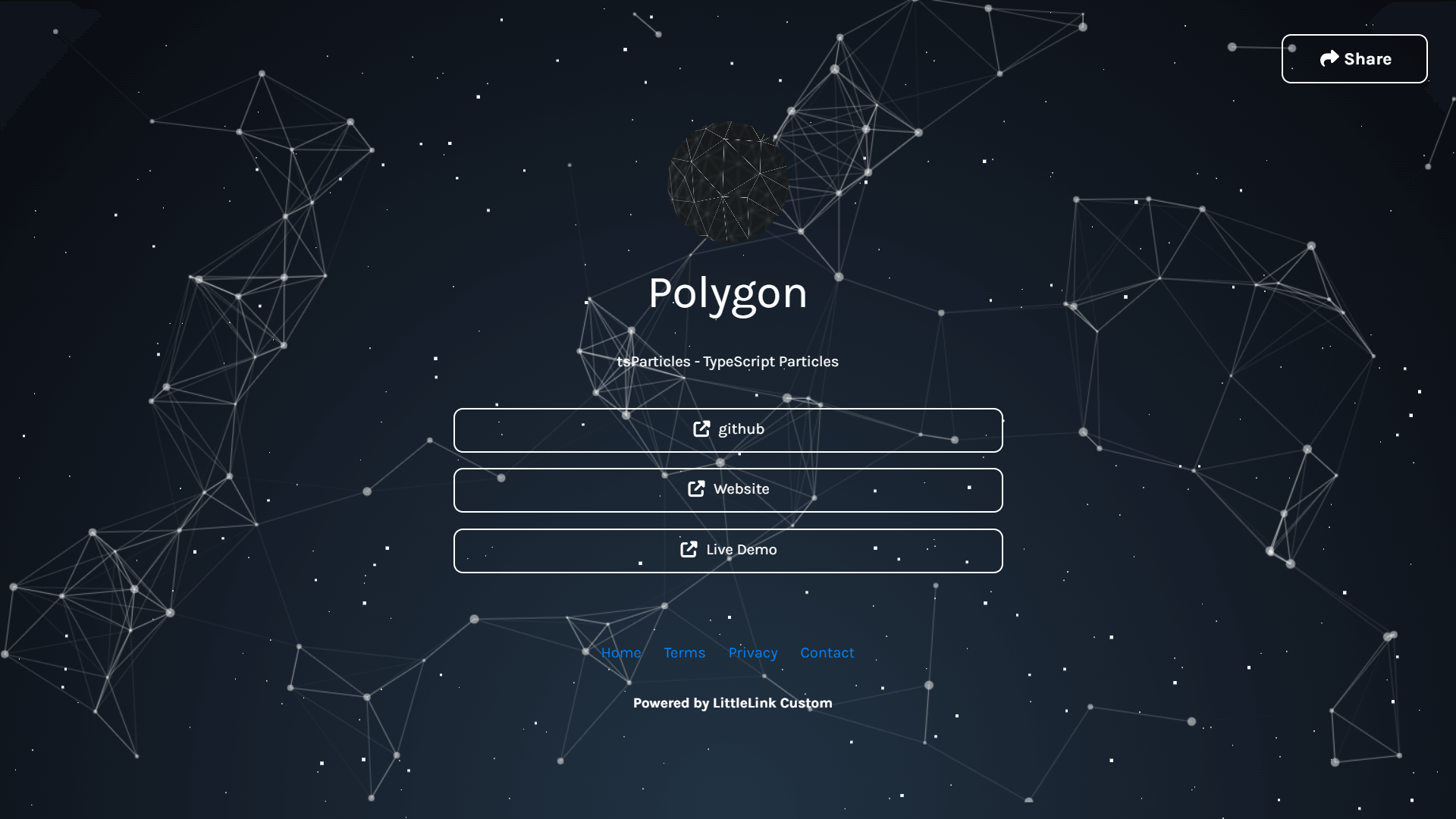 | 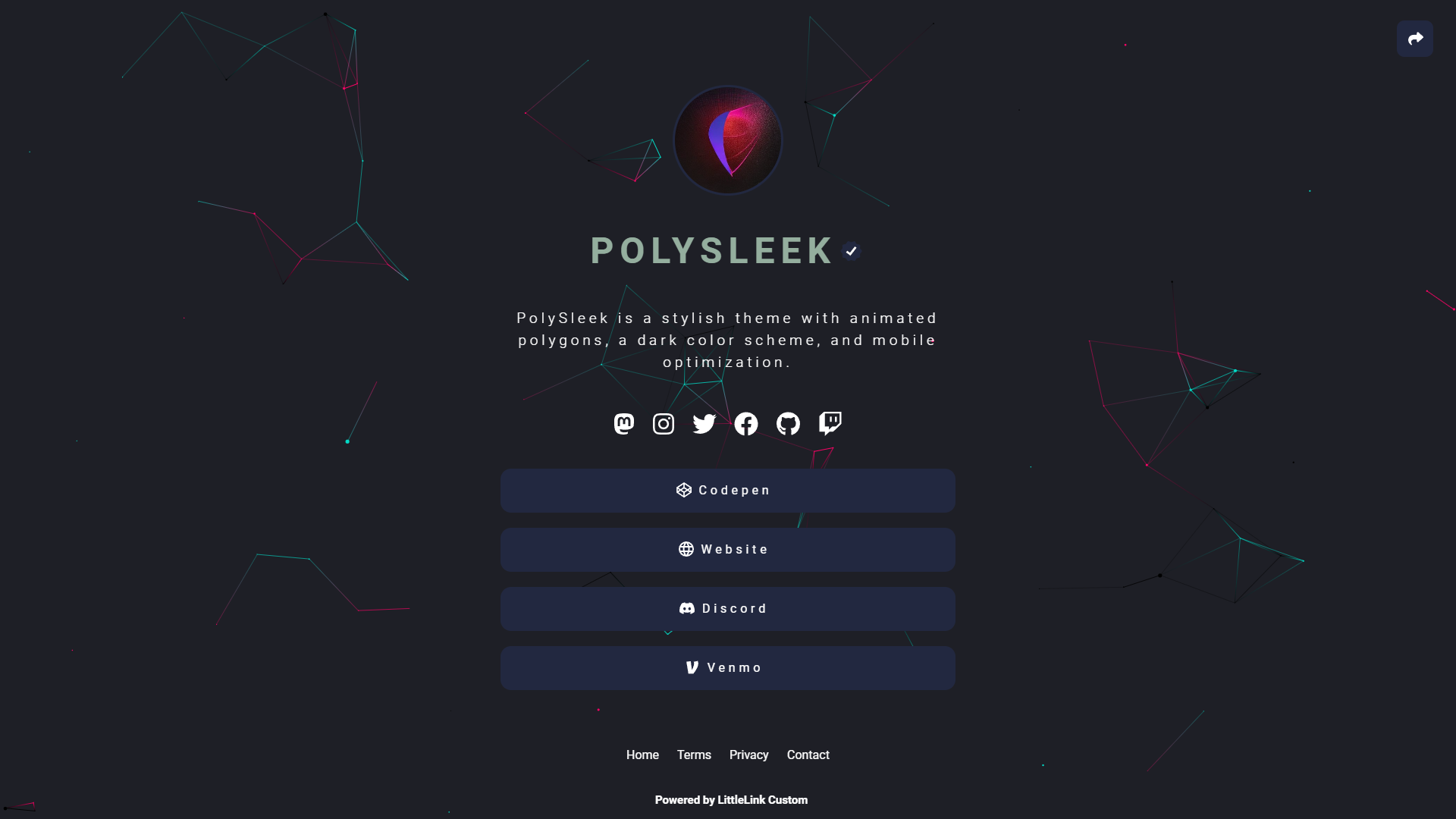 |
You can find all available Themes on here: linkstack.org/themes
FAQ
Can I install LinkStack on Web.Casa?
Yes, LinkStack is available in the Web.Casa App Store. You can install it with one click from the Web.Casa panel — no need to manually write Docker Compose files or configure reverse proxies.
How do I install LinkStack on Web.Casa?
First install Web.Casa with curl -fsSL https://get.web.casa | bash, then search for "LinkStack" in the App Store and click install. Web.Casa automatically configures the Docker container, assigns ports, and sets up a Caddy reverse proxy.
What is the default port for LinkStack on Web.Casa?
The default port for LinkStack on Web.Casa is 8154. You can bind it to a custom domain through Web.Casa's Caddy reverse proxy, which automatically provisions HTTPS certificates.
Does LinkStack get automatic HTTPS after installation?
Yes. Web.Casa is built on Caddy, so after installing the app, simply bind a domain and Caddy will automatically provision and renew SSL certificates via Let's Encrypt — no manual configuration needed.
How do I back up LinkStack data?
Web.Casa has a built-in backup plugin that supports automatic backups of LinkStack data to local storage, S3, WebDAV, or SFTP. You can configure scheduled snapshots and retention policies to keep your data safe.
Related Apps

ArchiveBox
Open source self-hosted web archiving.

Audiobookshelf
Audiobookshelf is a self-hosted audiobook and podcast server.

autobrr
Automation for downloads.

Bazarr
A companion application to Sonarr and Radarr that manages and downloads subtitles

Bitmagnet
A self-hosted BitTorrent indexer.

Booksonic
The selfhosted audiobook server