

Why install Kavita with Web.Casa?
No manual Docker Compose needed. Web.Casa configures and starts everything.
Caddy auto-provisions SSL certificates. Reverse proxy works out of the box.
Monitoring, backups, updates, logs — manage all apps from one panel.
How to Install
Install Web.Casa first, then one-click install this app from the App Store.
Folder Info
| Root Folder | Container Folder |
|---|---|
| /runtipi/app-data/kavita/data/kavita-config | /config |
| /runtipi/media/data/books | /books |
| /runtipi/media/data/comics | /comics |
| /runtipi/media/data/manga | /manga |
First Time Setup Guide
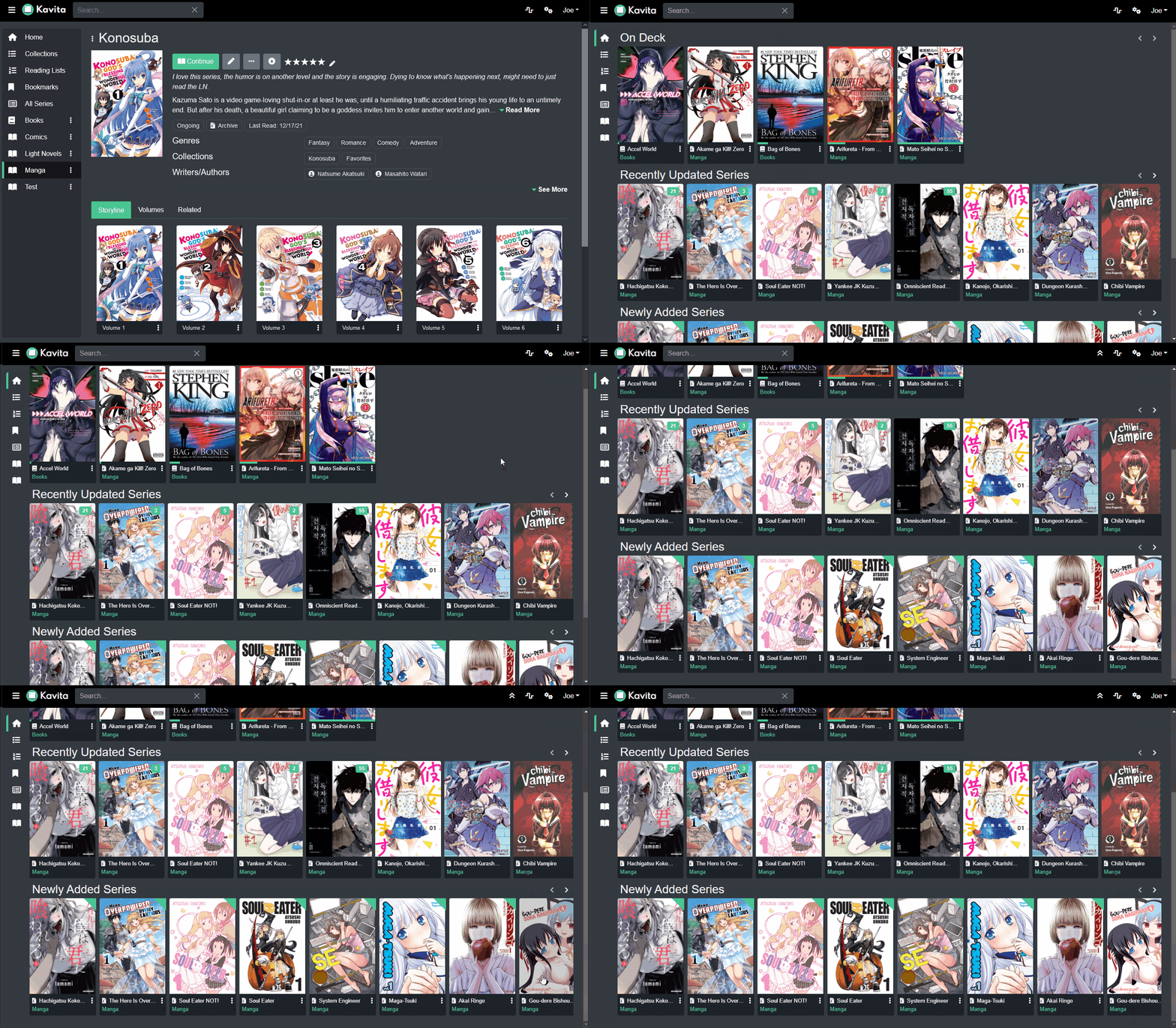 [
[
](https://user-images.githubusercontent.com/735851/169657008-37812c18-5490-4e2a-9dcb-4806f8c87c69.gif)[](https://user-images.githubusercontent.com/735851/169657008-37812c18-5490-4e2a-9dcb-4806f8c87c69.gif)
Kavita is a fast, feature rich, cross platform reading server. Built with a focus for being a full solution for all your reading needs. Setup your own server and share your reading collection with your friends and family!
Goals
- Serve up Manga/Webtoons/Comics (cbr, cbz, zip/rar/rar5, 7zip, raw images) and Books (epub, pdf)
- First class responsive readers that work great on any device (phone, tablet, desktop)
- Dark mode and customizable theming support
- Provide a plugin system to allow external metadata integration and scrobbling for read status, ratings, and reviews
- Rich Metadata support with filtering and searching
- Ways to group reading material: Collections, Reading Lists, Want to Read
- Ability to manage users, access, and ratings
- Fully Accessible with active accessibility audits
- Dedicated webtoon reading mode
- Full localization support
- And so much more...
FAQ
Can I install Kavita on Web.Casa?
Yes, Kavita is available in the Web.Casa App Store. You can install it with one click from the Web.Casa panel — no need to manually write Docker Compose files or configure reverse proxies.
How do I install Kavita on Web.Casa?
First install Web.Casa with curl -fsSL https://get.web.casa | bash, then search for "Kavita" in the App Store and click install. Web.Casa automatically configures the Docker container, assigns ports, and sets up a Caddy reverse proxy.
What is the default port for Kavita on Web.Casa?
The default port for Kavita on Web.Casa is 8175. You can bind it to a custom domain through Web.Casa's Caddy reverse proxy, which automatically provisions HTTPS certificates.
Does Kavita get automatic HTTPS after installation?
Yes. Web.Casa is built on Caddy, so after installing the app, simply bind a domain and Caddy will automatically provision and renew SSL certificates via Let's Encrypt — no manual configuration needed.
How do I back up Kavita data?
Web.Casa has a built-in backup plugin that supports automatic backups of Kavita data to local storage, S3, WebDAV, or SFTP. You can configure scheduled snapshots and retention policies to keep your data safe.
Related Apps

ArchiveBox
Open source self-hosted web archiving.

Audiobookshelf
Audiobookshelf is a self-hosted audiobook and podcast server.

autobrr
Automation for downloads.

Bazarr
A companion application to Sonarr and Radarr that manages and downloads subtitles

Bitmagnet
A self-hosted BitTorrent indexer.

Booksonic
The selfhosted audiobook server