

Why install Glance with Web.Casa?
No manual Docker Compose needed. Web.Casa configures and starts everything.
Caddy auto-provisions SSL certificates. Reverse proxy works out of the box.
Monitoring, backups, updates, logs — manage all apps from one panel.
How to Install
Install Web.Casa first, then one-click install this app from the App Store.
What if you could see everything at a...
Glance
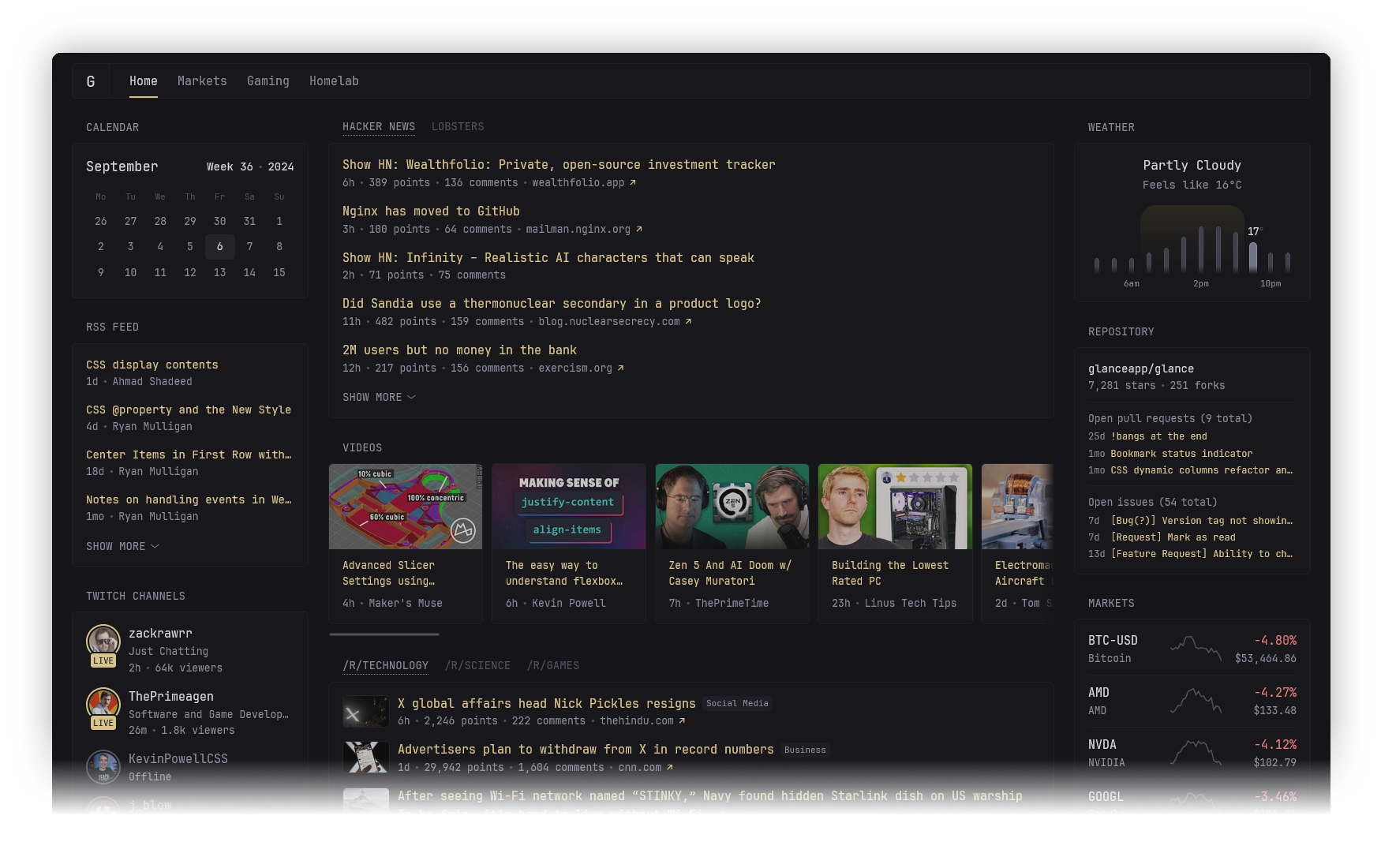
Features
Various widgets
- RSS feeds
- Subreddit posts
- Weather
- Bookmarks
- Latest YouTube videos from specific channels
- Calendar
- Stocks
- iframe
- Twitch channels & top games
- GitHub releases
- Repository overview
- Site monitor
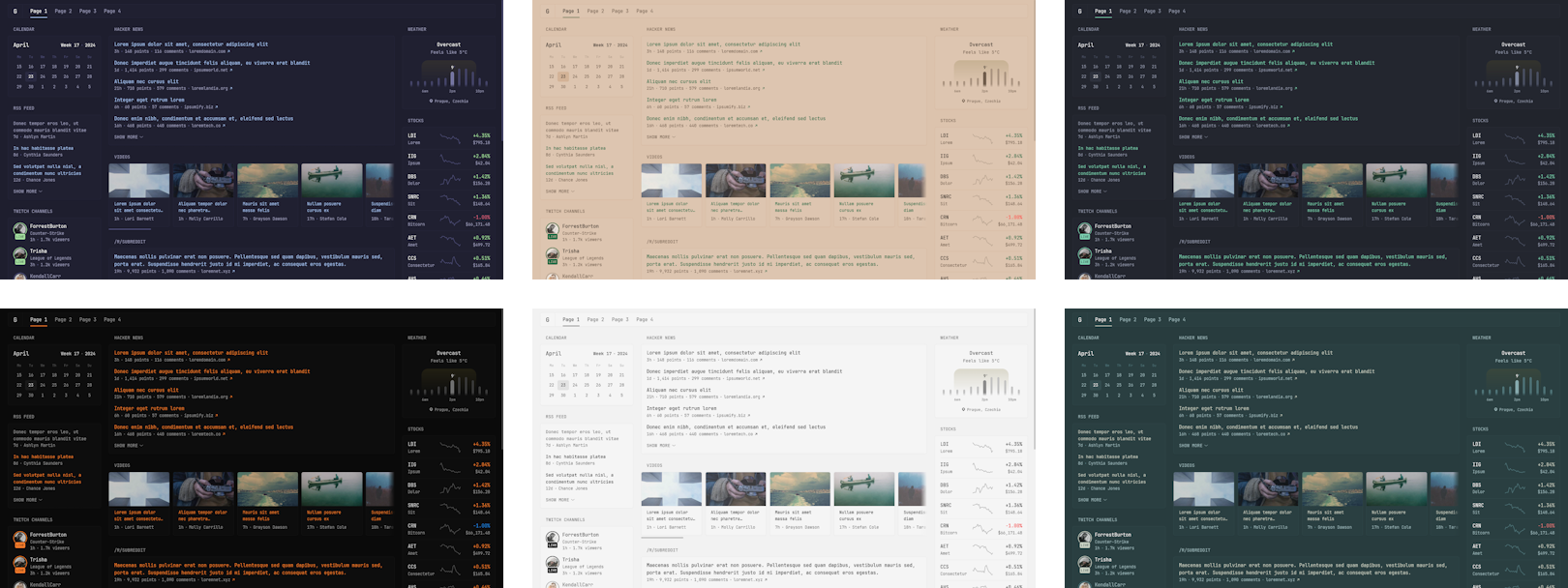
Themeable
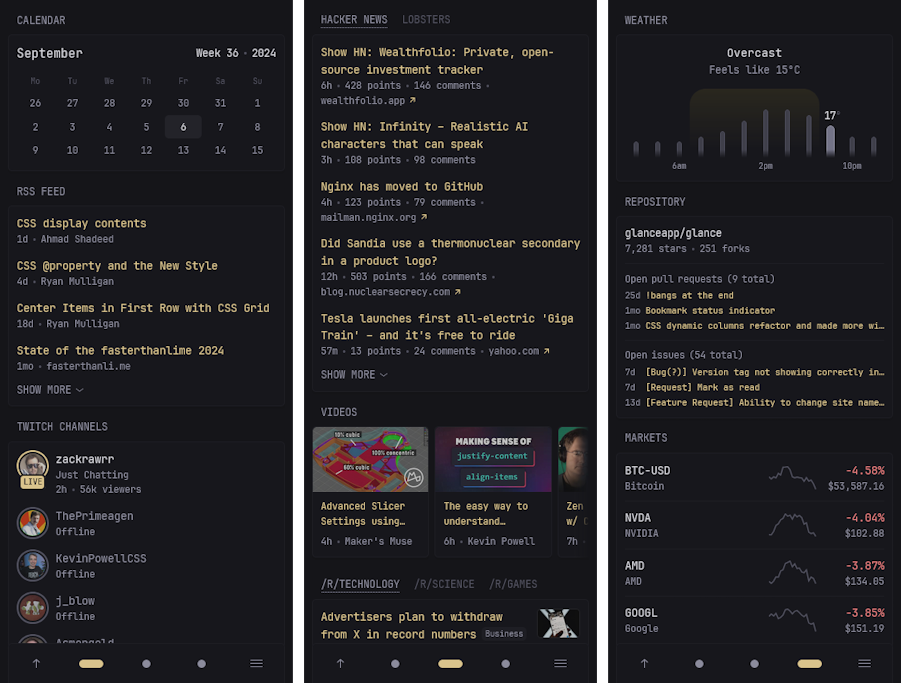
Optimized for mobile devices
Fast and lightweight
- Minimal JS, no bloated frameworks
- Very few dependencies
- Single, easily distributed <15mb binary and just as small docker container
- All requests are parallelized, uncached pages usually load within ~1s (depending on internet speed and number of widgets)
Configuration
Checkout the configuration docs to learn more. A preconfigured page is also available to get you started quickly.
FAQ
Can I install Glance on Web.Casa?
Yes, Glance is available in the Web.Casa App Store. You can install it with one click from the Web.Casa panel — no need to manually write Docker Compose files or configure reverse proxies.
How do I install Glance on Web.Casa?
First install Web.Casa with curl -fsSL https://get.web.casa | bash, then search for "Glance" in the App Store and click install. Web.Casa automatically configures the Docker container, assigns ports, and sets up a Caddy reverse proxy.
What is the default port for Glance on Web.Casa?
The default port for Glance on Web.Casa is 8568. You can bind it to a custom domain through Web.Casa's Caddy reverse proxy, which automatically provisions HTTPS certificates.
Does Glance get automatic HTTPS after installation?
Yes. Web.Casa is built on Caddy, so after installing the app, simply bind a domain and Caddy will automatically provision and renew SSL certificates via Let's Encrypt — no manual configuration needed.
How do I back up Glance data?
Web.Casa has a built-in backup plugin that supports automatic backups of Glance data to local storage, S3, WebDAV, or SFTP. You can configure scheduled snapshots and retention policies to keep your data safe.
Related Apps

Adguard Home Sync
Synchronize AdGuard Home config to replicas

AFFiNE
AFFiNE is a workspace with fully merged docs, whiteboards and databases.

Atuin Server
Magical Shell History

Baïkal
Calendar + Contacts server

Barrage
Minimal Deluge WebUI with full mobile support

Bazarr
A companion application to Sonarr and Radarr that manages and downloads subtitles