

Filestash — One-Click Install
A modern web client for SFTP, S3, FTP, WebDAV, Git, Minio, LDAP, CalDAV, CardDAV, Mysql, Backblaze
Why install Filestash with Web.Casa?
No manual Docker Compose needed. Web.Casa configures and starts everything.
Caddy auto-provisions SSL certificates. Reverse proxy works out of the box.
Monitoring, backups, updates, logs — manage all apps from one panel.
How to Install
Install Web.Casa first, then one-click install this app from the App Store.
Configure the Dropbox connector
Configuring Dropbox must be done by:
- requesting access to the Dropbox API. Without this, Filestash can’t access anything stored on the Dropbox servers. To do that, go there, then:
- click: “Create App”
- select: “dropbox api”
- select: “Full Dropbox” or “App folder”
- type: “whatever name you want”
- in the ‘redirect URI’ field, insert https://example.com/login
- store the
client_idconfiguration given by Dropbox (also known as theApp key) in the admin console or by setting theDROPBOX_CLIENT_IDenvironment variable
Configure the Google Drive connector
Configuring Google drive can be done by:
- Requesting access to the Google Drive API. Without this, Filestash cannot store anything on Google’s servers. To do that, you need to go there and enable the Drive API. Then, go there and create credentials that Filestash will be using to communicate with Google
- Publish the configuration provided by Google (
client_idandclient_secret) in your Filestash admin console or by setting theGDRIVE_CLIENT_IDandGDRIVE_CLIENT_SECRETenvironment variables
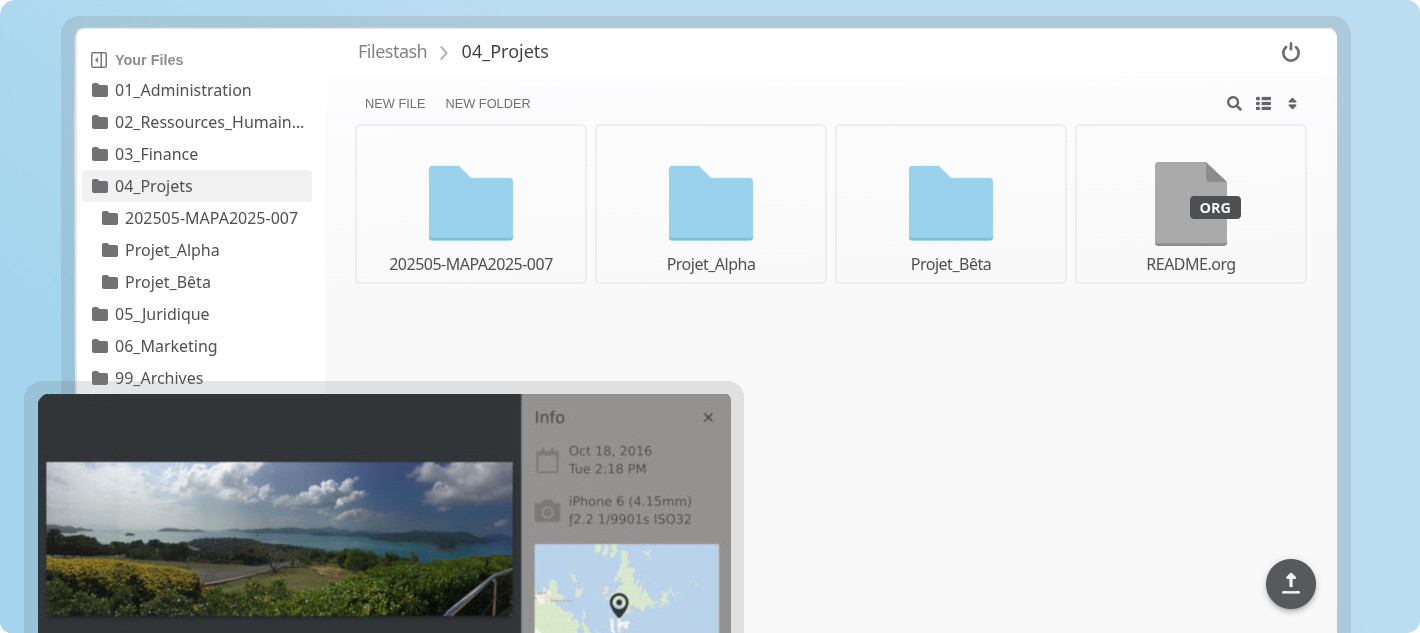

A Dropbox-like file manager that let you manage your data anywhere it is located:
FTP • FTPS • SFTP • WebDAV • Git • S3 • NFS • Samba • Artifactory • LDAP • Mysql
Storj • CardDAV • CalDAV • Backblaze B2 • Minio
Dropbox • Google Drive
Features
- Manage your files from a browser
- Authentication middleware to connect to various source of user
- Flexible Share mechanism
- Chromecast support for images, music, and videos
- Video player
- Video transcoding (mov, mkv, avi, mpeg, and more)
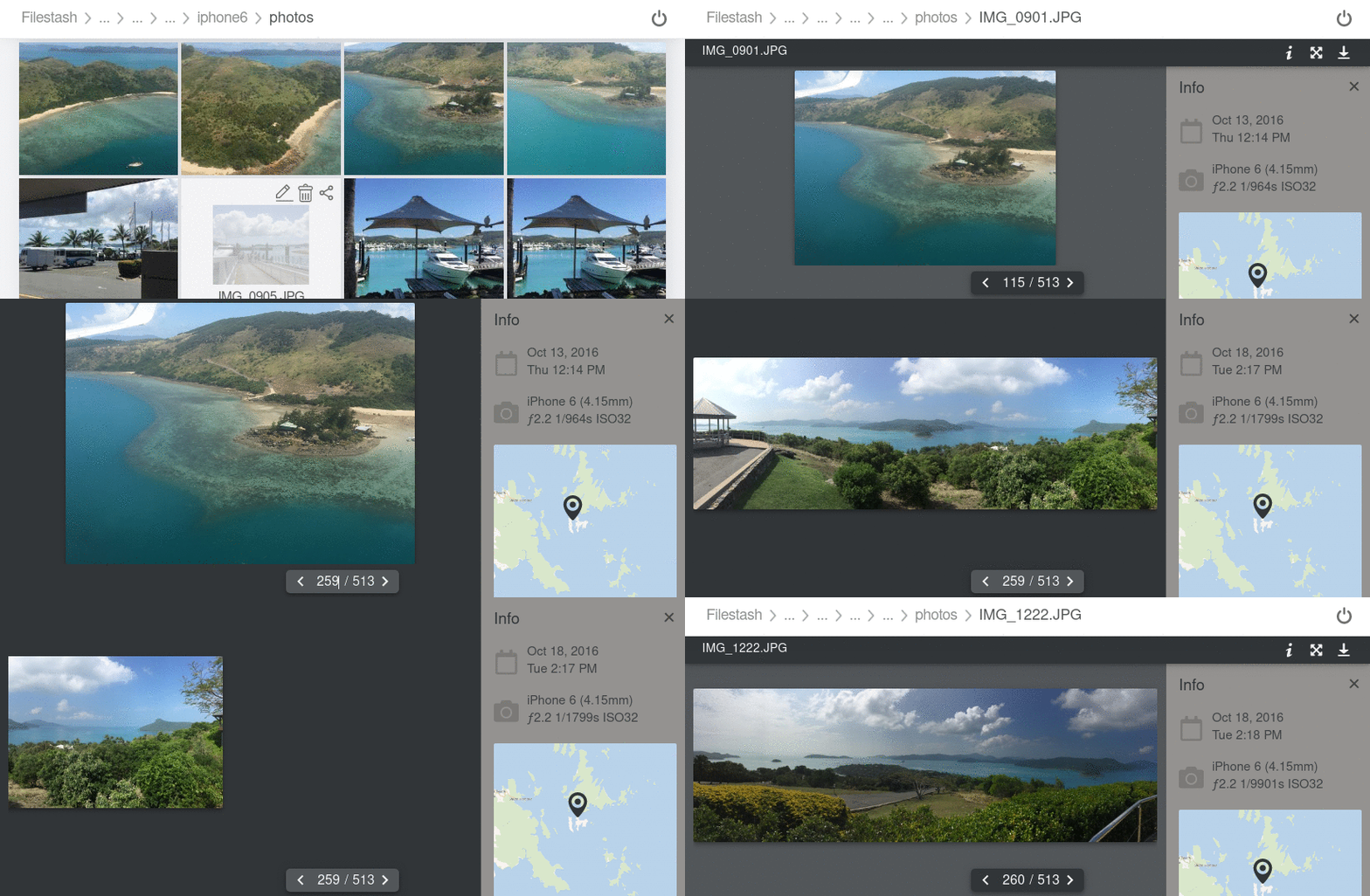
- Image viewer
- Image transcoding (raw images from Nikon, Canon, and more)
- Photo management
- Audio player
- Shared links are full fledge network drive
- Office documents (docx, xlsx and more)
- Full org mode client (documentation)
- User friendly
- Mobile friendly
- Customisable
- Plugins
- Super fast
- Upload files and folders
- Download as zip
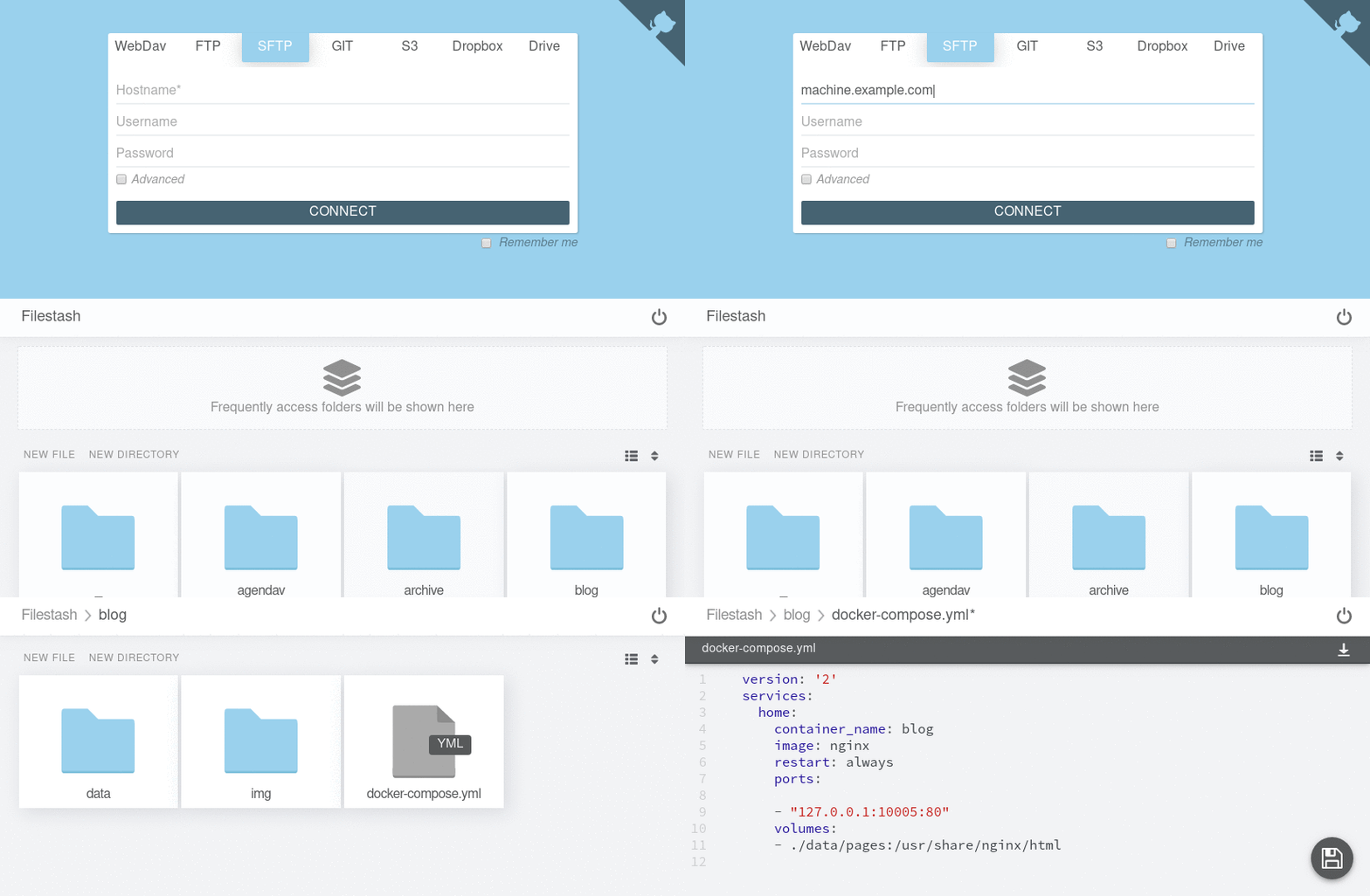
- Multiple cloud providers and protocols, easily extensible
- Nyan cat loader
- Quick access: frequently access folders are pin to the homepage
- Emacs, VIM or Sublime keybindings
;) - Search
- .. and many more
Documentation
Screenshots
 [
[
](https://demo.filestash.app/)[](https://demo.filestash.app/)
 [
[
](http://demo.filestash.app/)[](http://demo.filestash.app/) \
FAQ
Can I install Filestash on Web.Casa?
Yes, Filestash is available in the Web.Casa App Store. You can install it with one click from the Web.Casa panel — no need to manually write Docker Compose files or configure reverse proxies.
How do I install Filestash on Web.Casa?
First install Web.Casa with curl -fsSL https://get.web.casa | bash, then search for "Filestash" in the App Store and click install. Web.Casa automatically configures the Docker container, assigns ports, and sets up a Caddy reverse proxy.
What is the default port for Filestash on Web.Casa?
The default port for Filestash on Web.Casa is 8189. You can bind it to a custom domain through Web.Casa's Caddy reverse proxy, which automatically provisions HTTPS certificates.
Does Filestash get automatic HTTPS after installation?
Yes. Web.Casa is built on Caddy, so after installing the app, simply bind a domain and Caddy will automatically provision and renew SSL certificates via Let's Encrypt — no manual configuration needed.
How do I back up Filestash data?
Web.Casa has a built-in backup plugin that supports automatic backups of Filestash data to local storage, S3, WebDAV, or SFTP. You can configure scheduled snapshots and retention policies to keep your data safe.
Related Apps

Adguard Home Sync
Synchronize AdGuard Home config to replicas

AFFiNE
AFFiNE is a workspace with fully merged docs, whiteboards and databases.

Atuin Server
Magical Shell History

Baïkal
Calendar + Contacts server

Barrage
Minimal Deluge WebUI with full mobile support

Bazarr
A companion application to Sonarr and Radarr that manages and downloads subtitles