

Why install CodeX.docs with Web.Casa?
No manual Docker Compose needed. Web.Casa configures and starts everything.
Caddy auto-provisions SSL certificates. Reverse proxy works out of the box.
Monitoring, backups, updates, logs — manage all apps from one panel.
How to Install
Install Web.Casa first, then one-click install this app from the App Store.
CodeX Docs
Custom Config, view Here https://github.com/codex-team/codex.docs/blob/main/docs-config.yaml
Can Also Be configured with ENV, see here https://docs.codex.so/configuration#override-properties-with-environment-variables
CodeX Docs is a free docs application. It's based on Editor.js ecosystem which gives all modern opportunities for working with content.
You can use it for product documentation, for internal team docs, for personal notes or any other need.
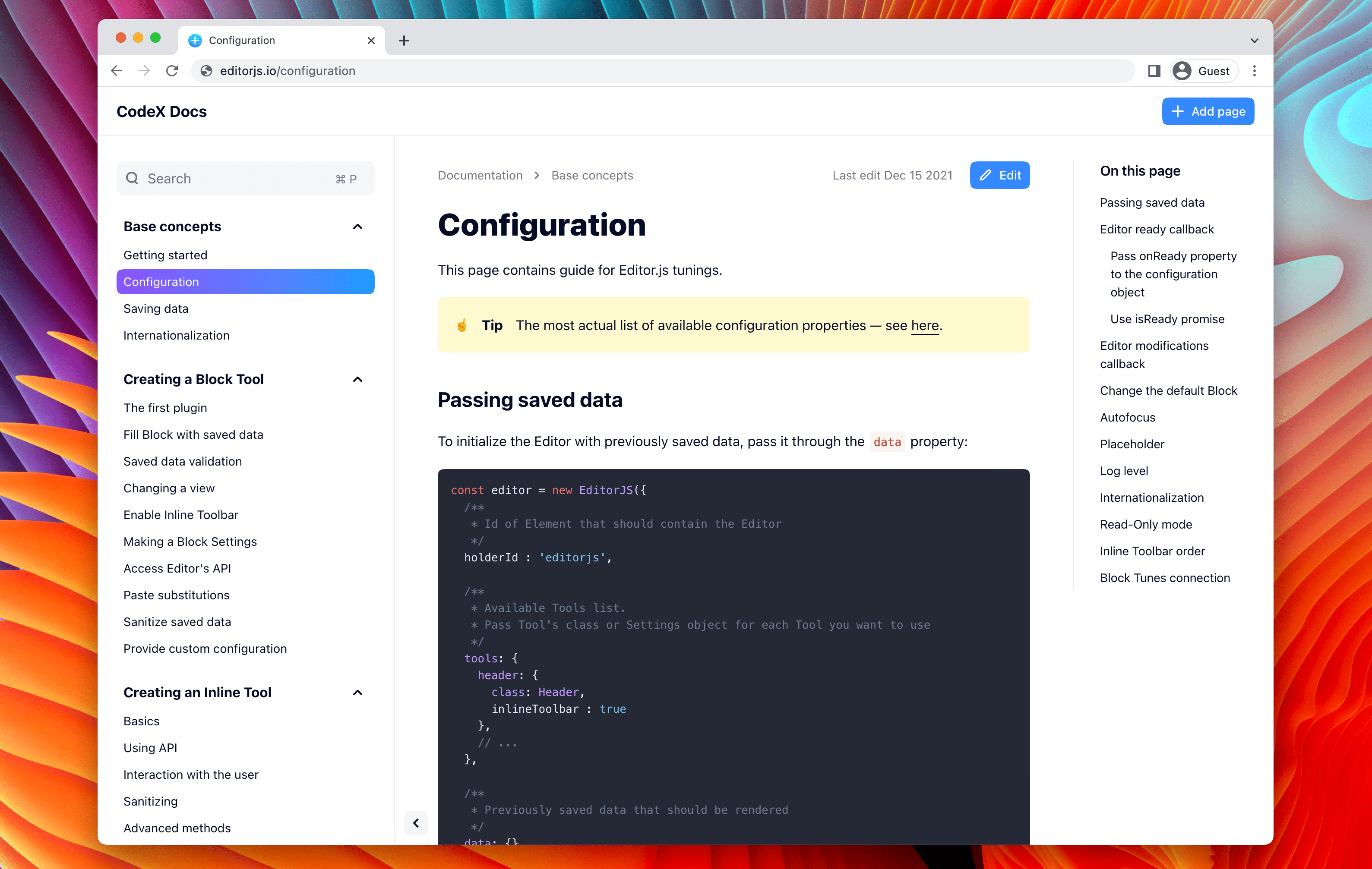
It's super easy to install and use.
Features
- 🤩 Editor.js ecosystem powered
- 📂 Docs nesting — create any structure you need
- 📱 Nice look on Desktop and Mobile
- 🔥 Beautiful page URLs. Human-readable and SEO-friendly.
- 🦅 Hawk is hunting. Errors tracking integrated
- 💌 Misprints reports to the Telegram / Slack
- 📈 Yandex Metrica integrated
- 🚢 Deploy easily — no DB and other deps required
- 🤙 Simple configuration
- ⚙️ Tune UI as you need. Collapse sections, hide the Sidebar
Demo
Here is our Demo Application where you can try CodeX Docs in action.
Guides
FAQ
Can I install CodeX.docs on Web.Casa?
Yes, CodeX.docs is available in the Web.Casa App Store. You can install it with one click from the Web.Casa panel — no need to manually write Docker Compose files or configure reverse proxies.
How do I install CodeX.docs on Web.Casa?
First install Web.Casa with curl -fsSL https://get.web.casa | bash, then search for "CodeX.docs" in the App Store and click install. Web.Casa automatically configures the Docker container, assigns ports, and sets up a Caddy reverse proxy.
What is the default port for CodeX.docs on Web.Casa?
The default port for CodeX.docs on Web.Casa is 8101. You can bind it to a custom domain through Web.Casa's Caddy reverse proxy, which automatically provisions HTTPS certificates.
Does CodeX.docs get automatic HTTPS after installation?
Yes. Web.Casa is built on Caddy, so after installing the app, simply bind a domain and Caddy will automatically provision and renew SSL certificates via Let's Encrypt — no manual configuration needed.
How do I back up CodeX.docs data?
Web.Casa has a built-in backup plugin that supports automatic backups of CodeX.docs data to local storage, S3, WebDAV, or SFTP. You can configure scheduled snapshots and retention policies to keep your data safe.
Related Apps

ArchiveBox
Open source self-hosted web archiving.

Audiobookshelf
Audiobookshelf is a self-hosted audiobook and podcast server.

autobrr
Automation for downloads.

Bazarr
A companion application to Sonarr and Radarr that manages and downloads subtitles

Bitmagnet
A self-hosted BitTorrent indexer.

Booksonic
The selfhosted audiobook server